

Basic Setup incl. Training
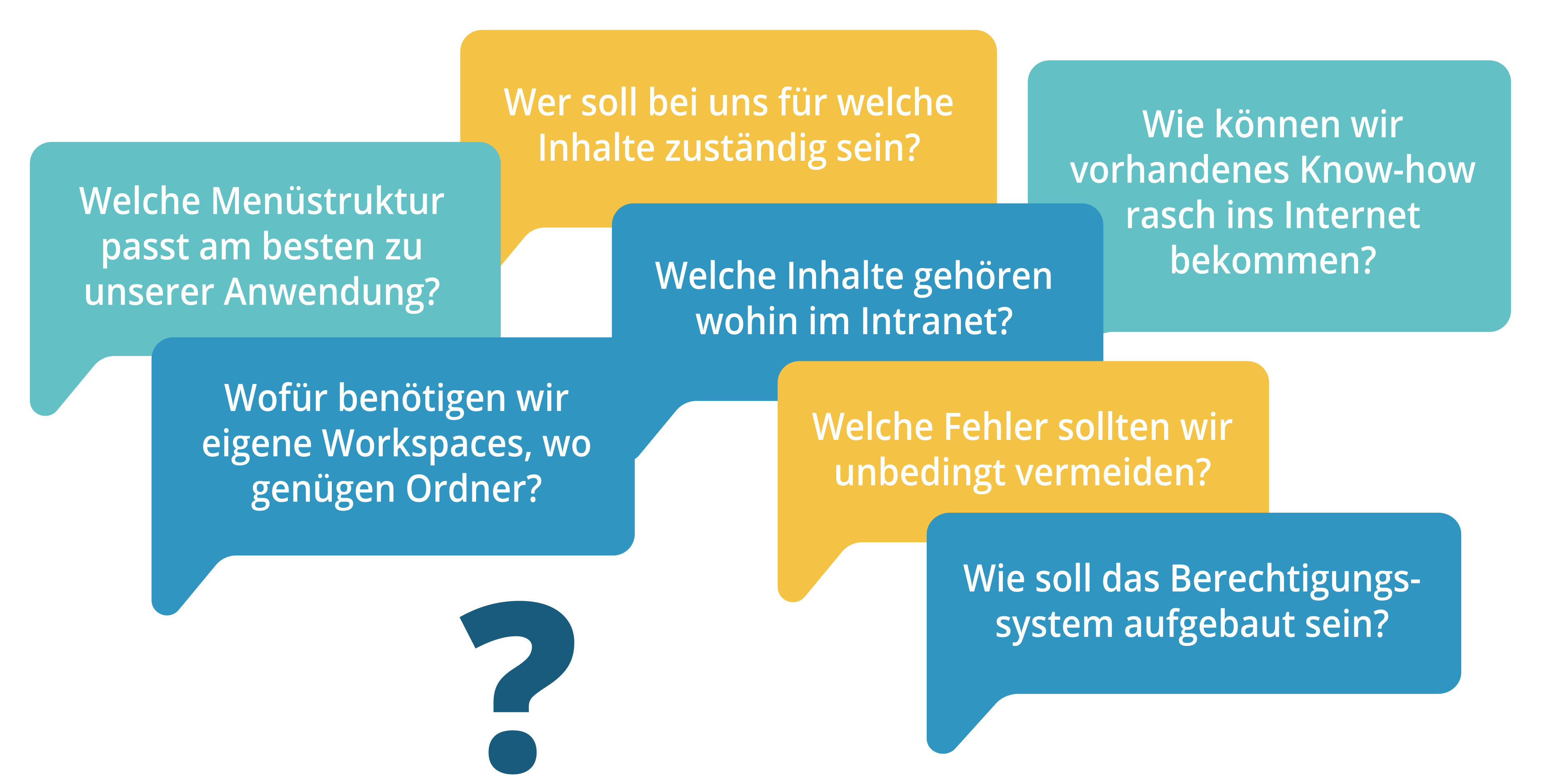
At the beginning of every intranet project, many questions arise for which suitable answers must be found, depending on the use case.
As part of the basic setup, we support you with our many years of experience in setting up the intranet, so that from the very beginning you can take practice-proven approaches for your company.
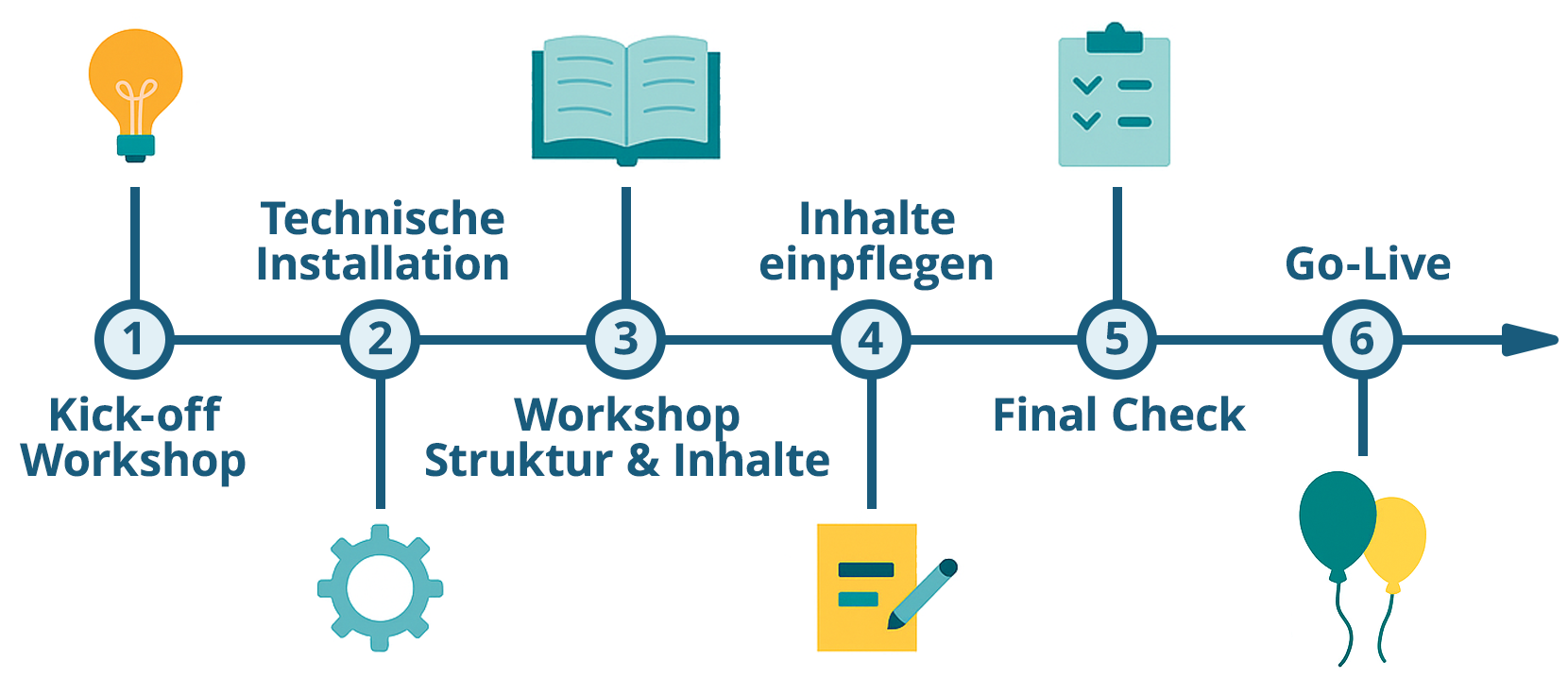

1. Kick-off Workshop
Immediately after the order is placed, the project managers get to know each other in an online workshop and discuss which information we need from you for the initial technical setup and what the further timeline might look like.
- Adjustments to your C.D. (name, logo, colors, etc.)
- Clarification of the desired functional modules
- Structural setup
- Fundamental clarification of the KenCube rights system
- Basic navigation concept
- Connection to image database and DeepL
- If necessary, clarification of basic technical questions (Q&A)
- Coordination of timeline for further milestones until go-live
2. Technical Installation
Now it's our turn: in just a few days, your intranet will be technically ready.
- Server setup
- System installation
- Interface setup and initial configuration
- Basic customer configuration (based on kick-off workshop)


3. Workshop "Structure & Content"
In this workshop, we will show you how to make the most of KenCube. The focus is on the KenCube permissions system and how to create and structure content.
- Initial presentation with general feature overview
- Initial training on the permissions concept & content structure
- Initial configuration for notifications, digest & newsletter
- Invitation concept for Go-Live
4. Adding content
Now it's primarily up to you: Your editorial team creates all the essential content needed for the go-live date. Tip: Make sure to provide a balanced mix of initial content so you can offer your colleagues interesting information from as many different areas as possible. Of course, we are happy to assist you with any questions!
- Optimization of dashboard, navigation, etc.
- Optimization of group structure and role concept
- Additional ad-hoc training sessions


5. Final Check
A joint final check ensures that everything is ready for the upcoming go-live date.
- Optimization of dashboard, navigation, etc.
- Optimization of group structure and role concept
- Further ad-hoc training sessions
6. Go-Live
The moment has arrived: your intranet is going live! We'll support you in successfully clearing this final hurdle as well.
- Support with rolling out the user accounts
- Production launch and monitoring
- „Special Care“ from our support team – we're here for you!

Continue to Service Level Agreement (SLA)
Explore KenCube
We would be happy to present our Social Intranet Employee App Software to you in a no-obligation online demo.
If you are interested, we can also provide you with access to a free trial version.