

Documents
Vorlagen, Preislisten, Unterlagen, Protokolle, Richtlinien, Formulare, Vereinbarungen uvm. volltextindiziert bereitstellen und bei Bedarf rasch finden

Centralised Document Provision
Quick access to important files and documents
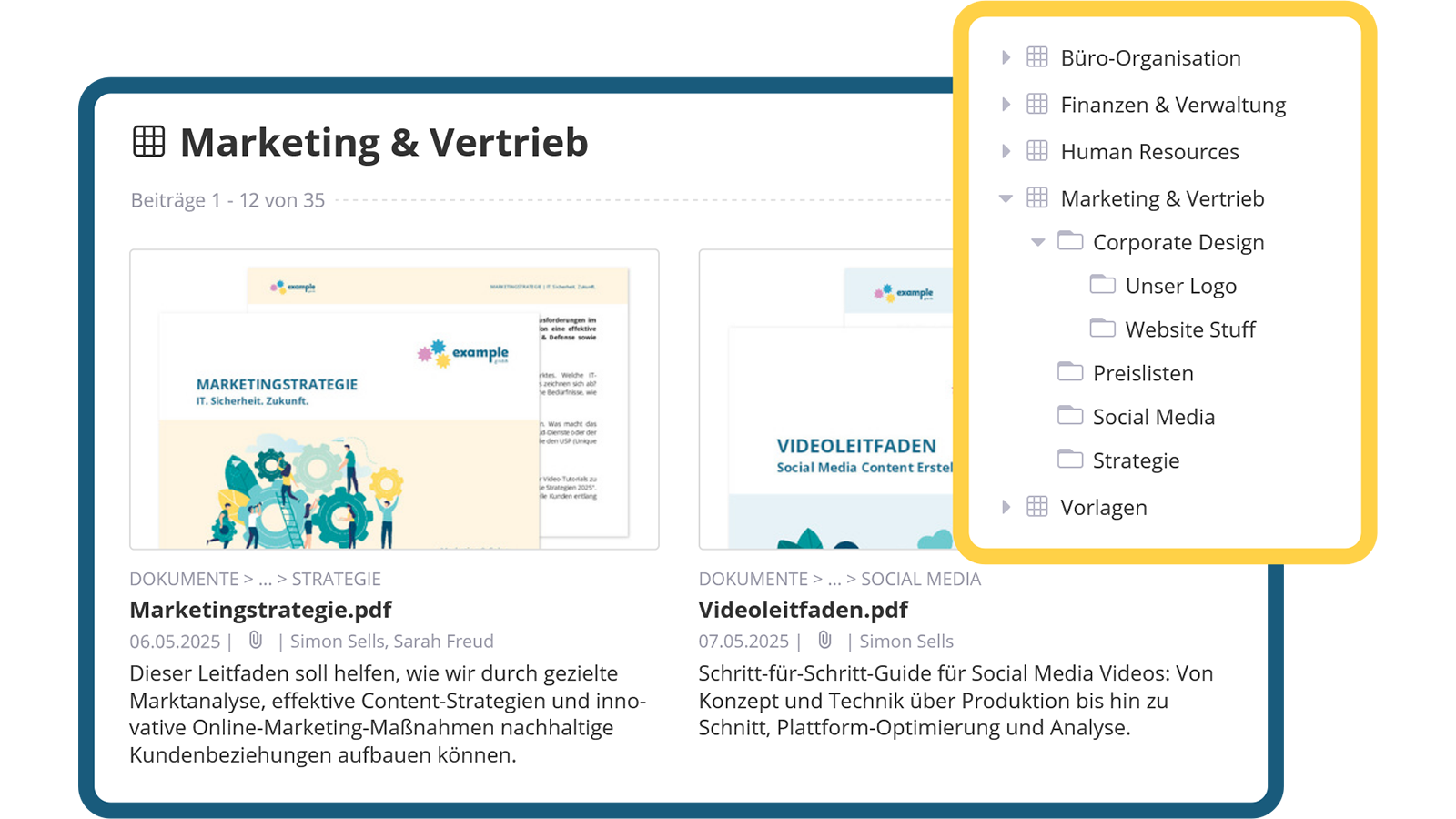
Important documents such as PDFs, Word, Excel or PowerPoint files can be stored in a structured manner within freely selectable folder structures. Additional information such as display name, short and long descriptions improves clarity and makes it easier to find relevant content.
- Versatile file formats
- Hierarchical storage
- Additional information

Manage documents optimally
Better overview through thumbnails and metadata
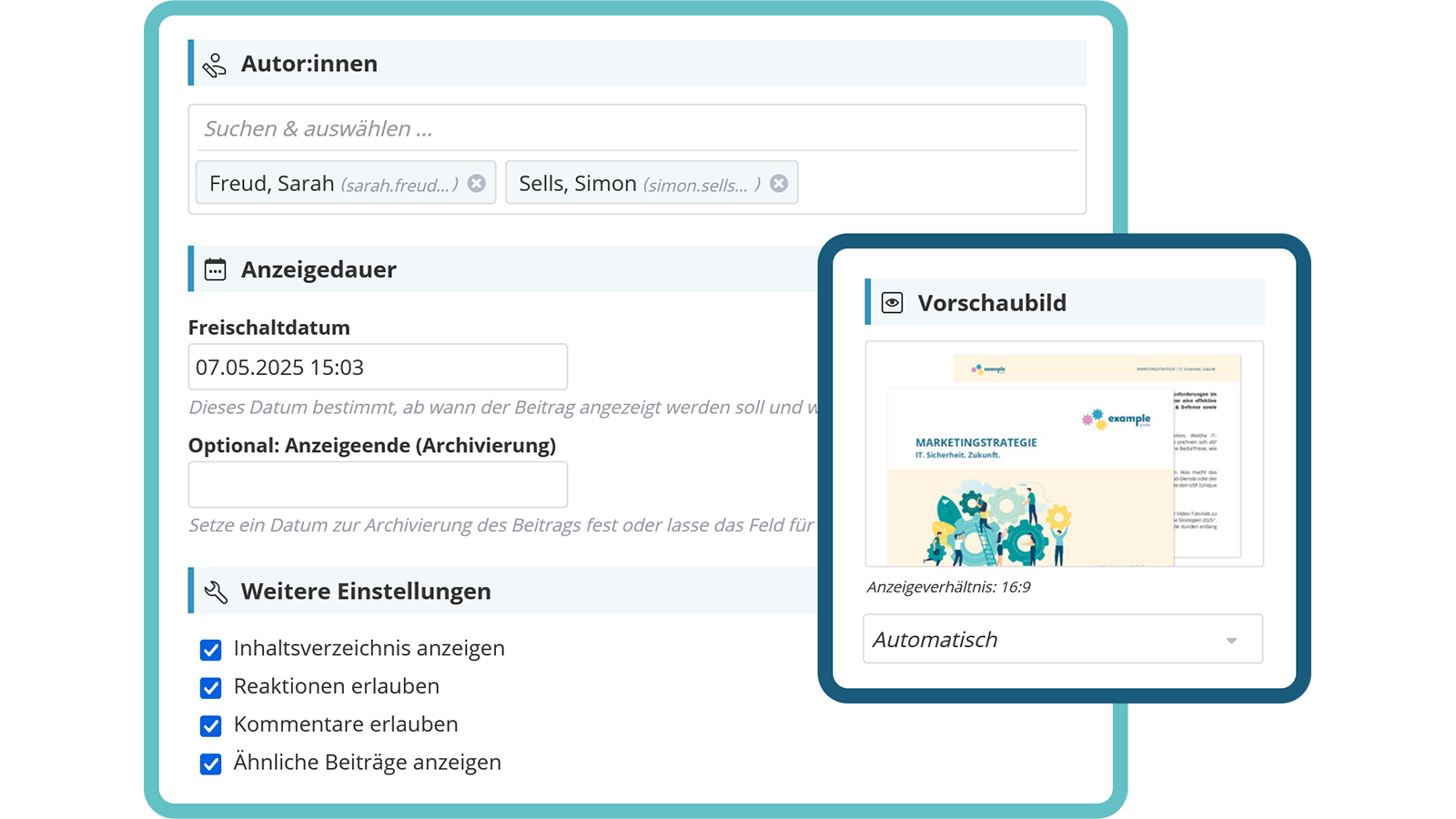
Thumbnails are automatically generated from the first two pages of a document to improve clarity. Metadata such as author, display duration, or validity can be easily managed. In addition, external materials such as images or templates can be added as attachments.
- Automatic thumbnails
- Manage metadata
- Additional attachments


Find documents quickly
Efficient search and convenient display
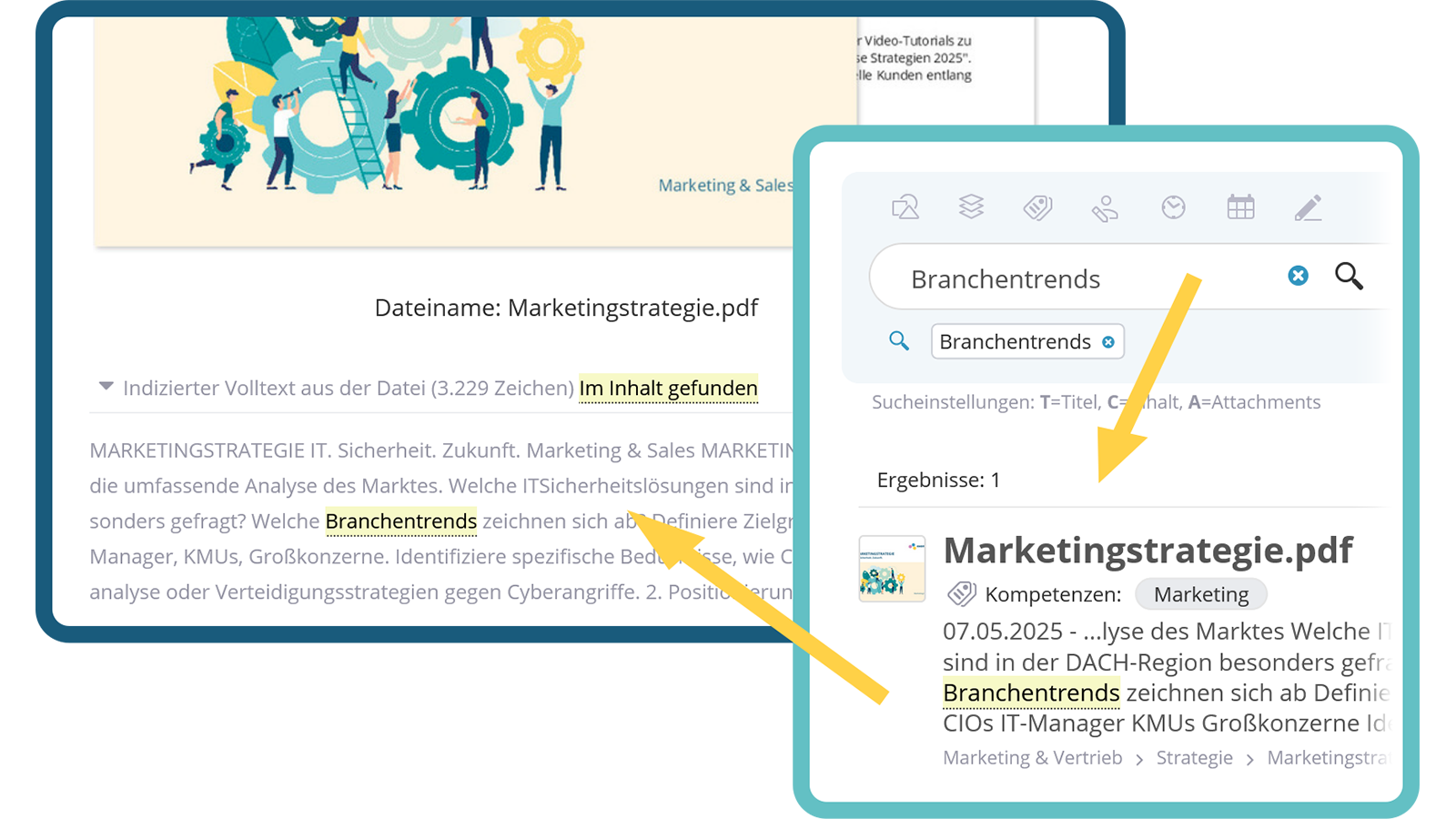
Thanks to full-text indexing, documents are found in the Powersearch not only by name but also by their content. The integrated PDF viewer enables PDF documents to be read directly in the intranet without having to download them first.
- Full-text indexing
- Easy to find
- Direct PDF display

Document Storage with Versioning
Efficient file provision with automatic version control
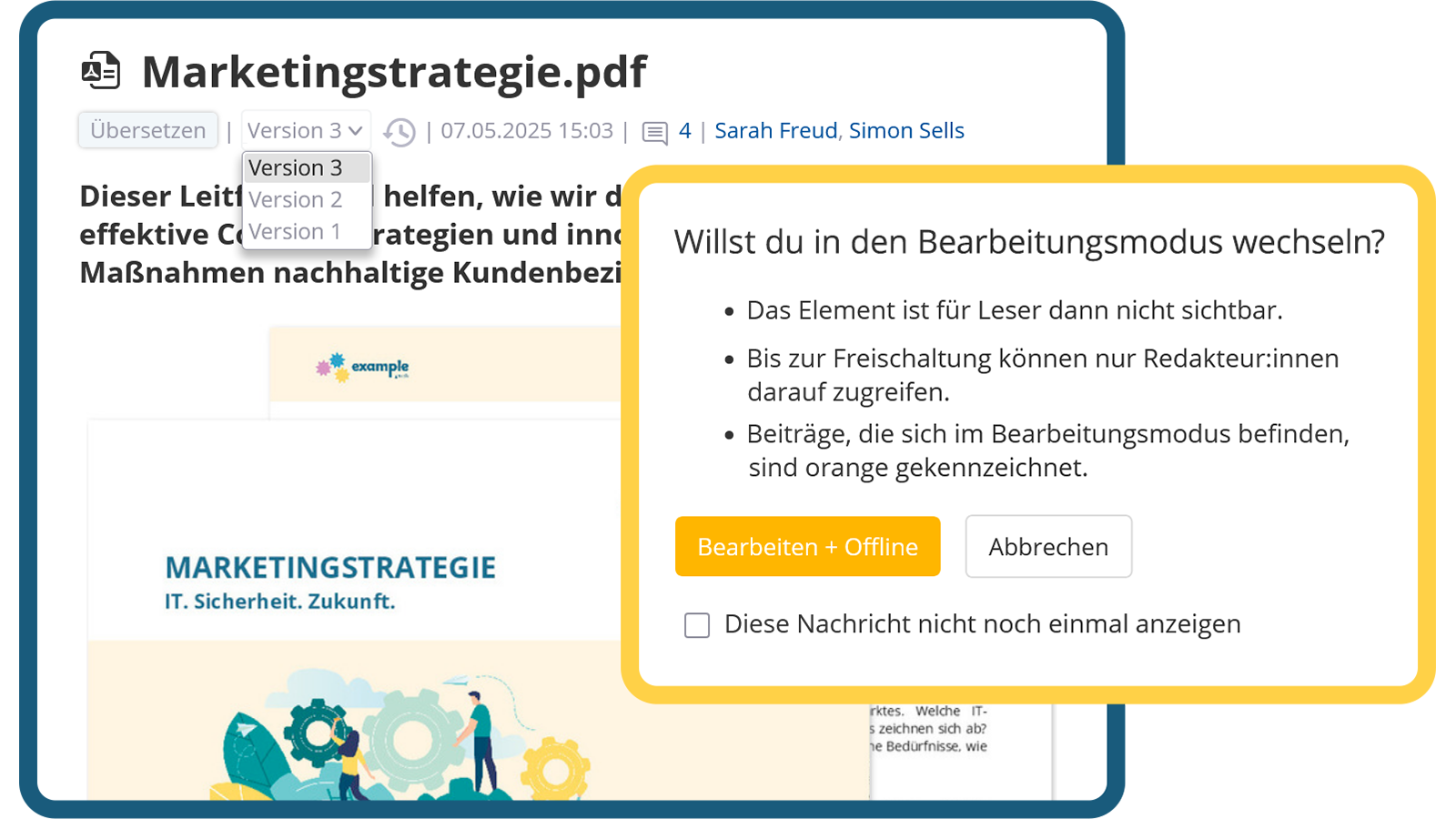
Automatic versioning enables access to previous document versions and ensures traceability. The check-in/check-out function prevents editing conflicts, while the correction mode allows minor adjustments without creating a new version.
- Recoverability
- Check-in/check-out
- Correction mode


Reactions & Comments
Encourage exchange and gather valuable feedback
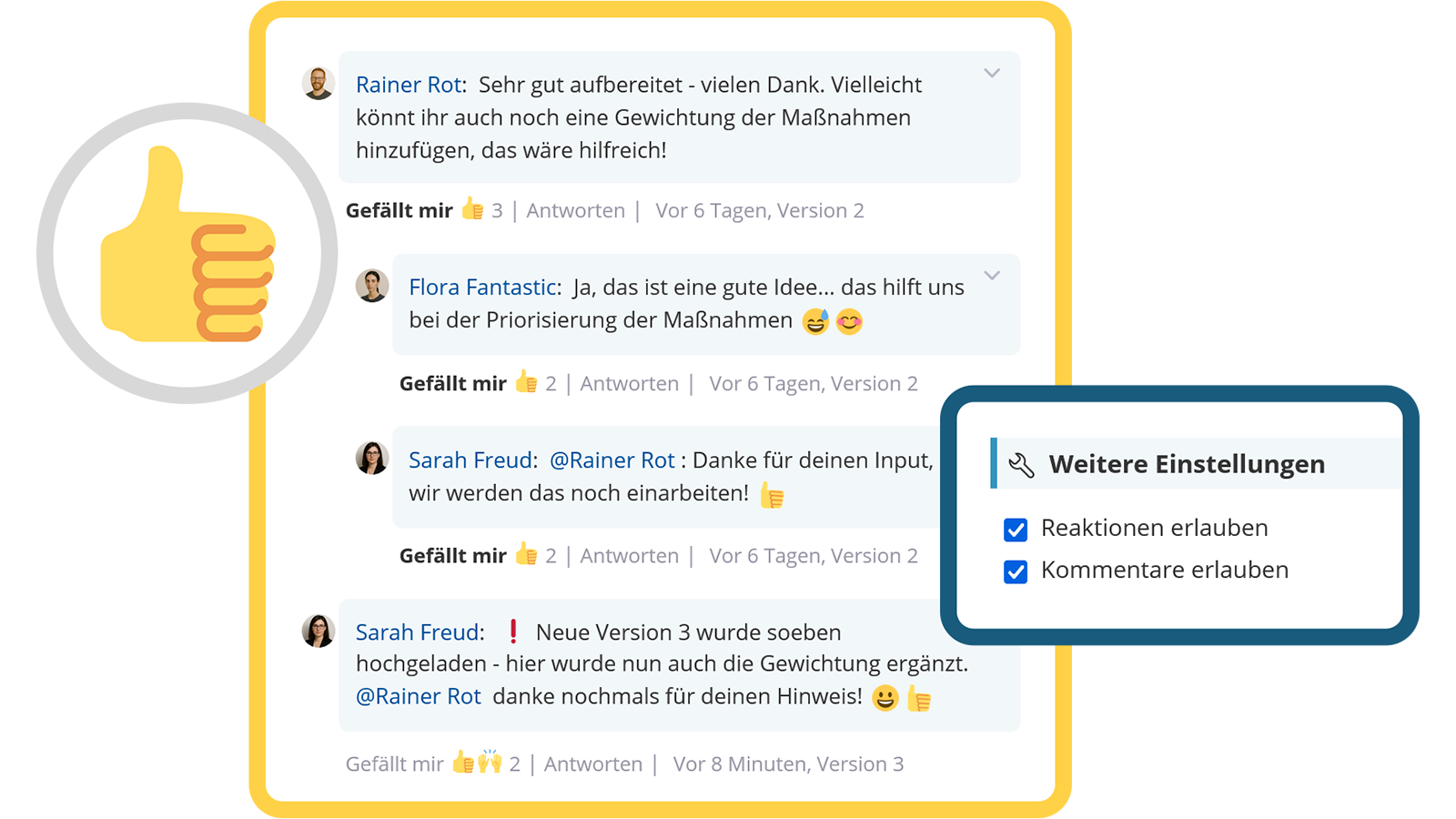
Employees can leave comments on documents, share feedback, and actively participate in discussions. This encourages exchange, boosts engagement, and collects valuable feedback for the continuous improvement of documents.
- Direct interaction option
- Actively involve employees
- Receive valuable feedback

Notify & Acknowledge
Receive and confirm information about changes
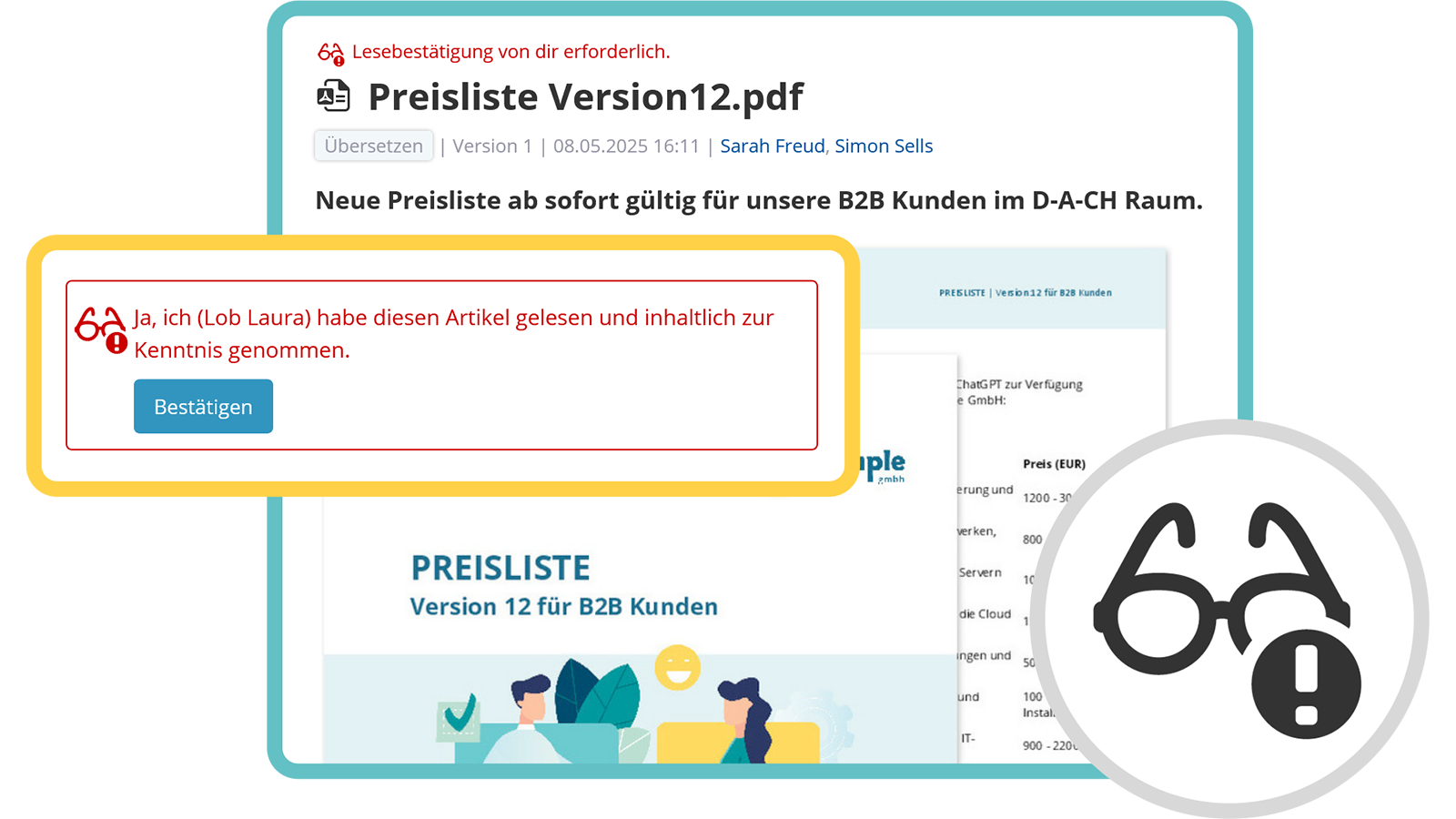
Employees are informed about new documents or changes directly in the intranet as well as via push or email notification. Read receipts ensure that relevant content has been acknowledged. Additionally, documents or entire sections can be monitored to be automatically notified of changes
- Notify employees
- Obtain and verify read receipts
- Monitor documents

View next feature: Appointments & Booking System
Explore KenCube
We would be happy to present our Social Intranet Employee App Software to you in a no-obligation online demo.
If you are interested, we can also provide you with access to a free trial version.

