Skip to content
Kencube_Mitarbeiterportal_Software_Logo.png
  1. Home
  2.  > 
  3. Features
  4.  > 
  5. News & Knowledge

News & Knowledge

Die Kommunikationskanäle im Unternehmen auf neue Beine stellen: Neuigkeiten, wichtige Informationen und vorhandenes Know-how für alle zugänglich machen

Simple, intuitive content management for everyone

Create news and knowledge articles

Simple, intuitive content management for everyone

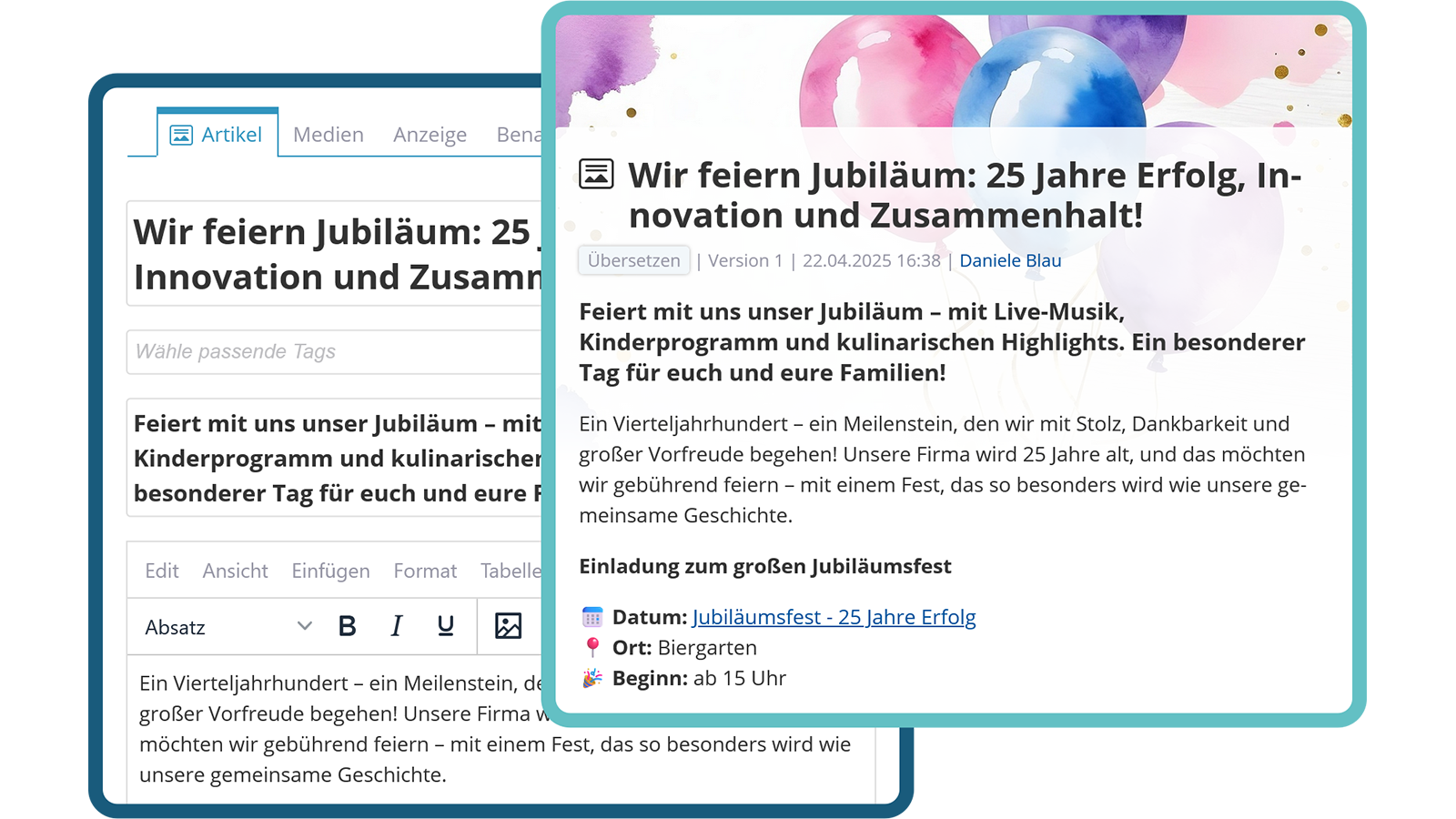
KenCube supports editors with practical templates for creating articles. Various input forms, e.g. for articles, image storage, videos, audios, processes and much more, enable quick and structured content creation. This keeps the intranet clear and ensures a consistent appearance.

  • Easy article creation
  • Diverse formats
  • Consistent design
Simple, intuitive content management for everyone

Structured Content Storage

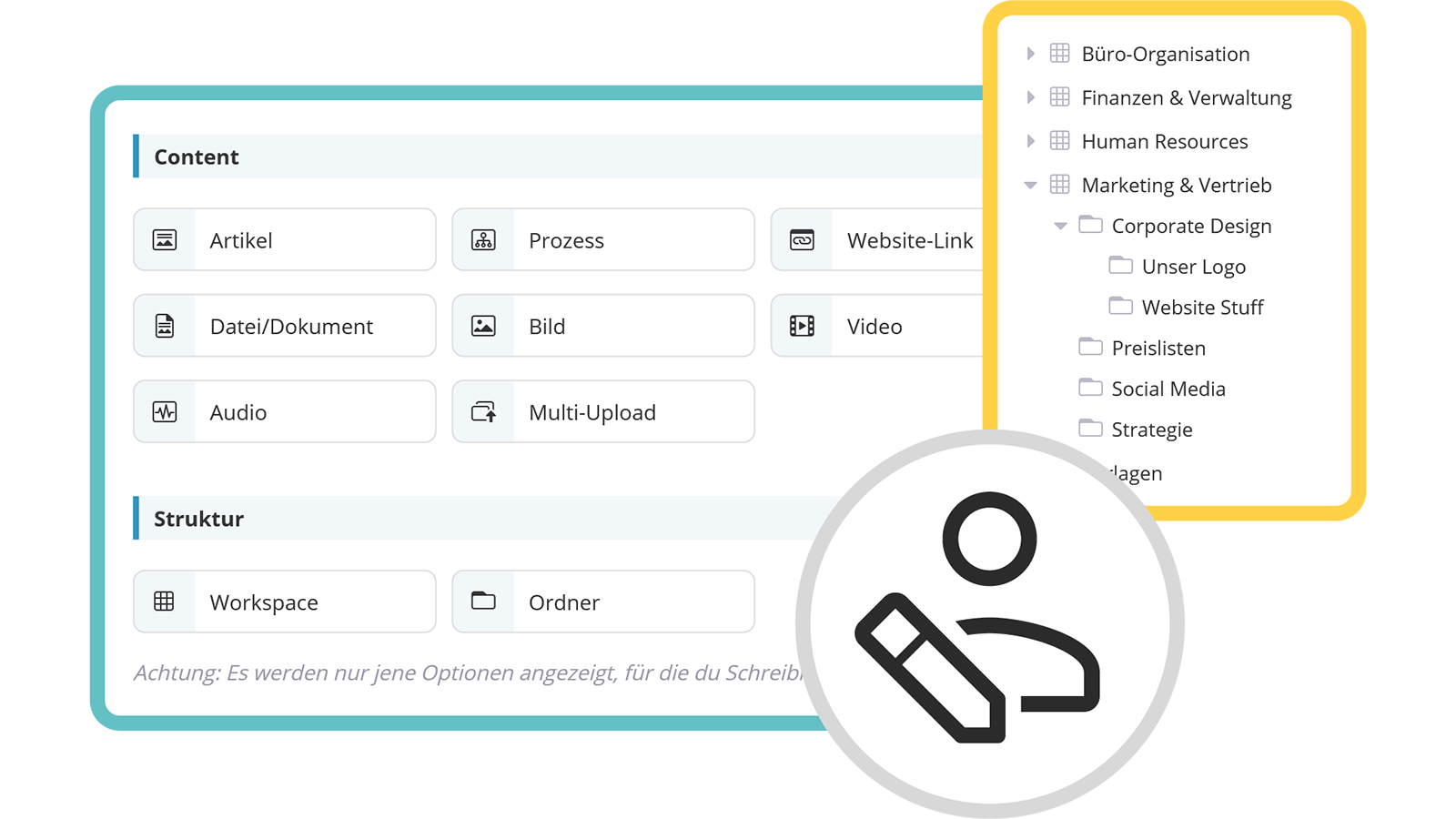
Predefined post types support content creation

Posts are stored in the main areas within freely definable folder structures. The respective workspace settings determine who has read or editing rights and where. Users with write permissions have practical post types available for designing content.

  • Structured storage of posts in workspaces and subfolders
  • Post templates ensure a consistent appearance
  • Simplified approval process through workspace permission assignment

See also: Rights & Roles

Practical post types ensure a consistent appearance
Give feedback and actively participate in discussions

Reactions & Comments

Foster social interaction and boost engagement

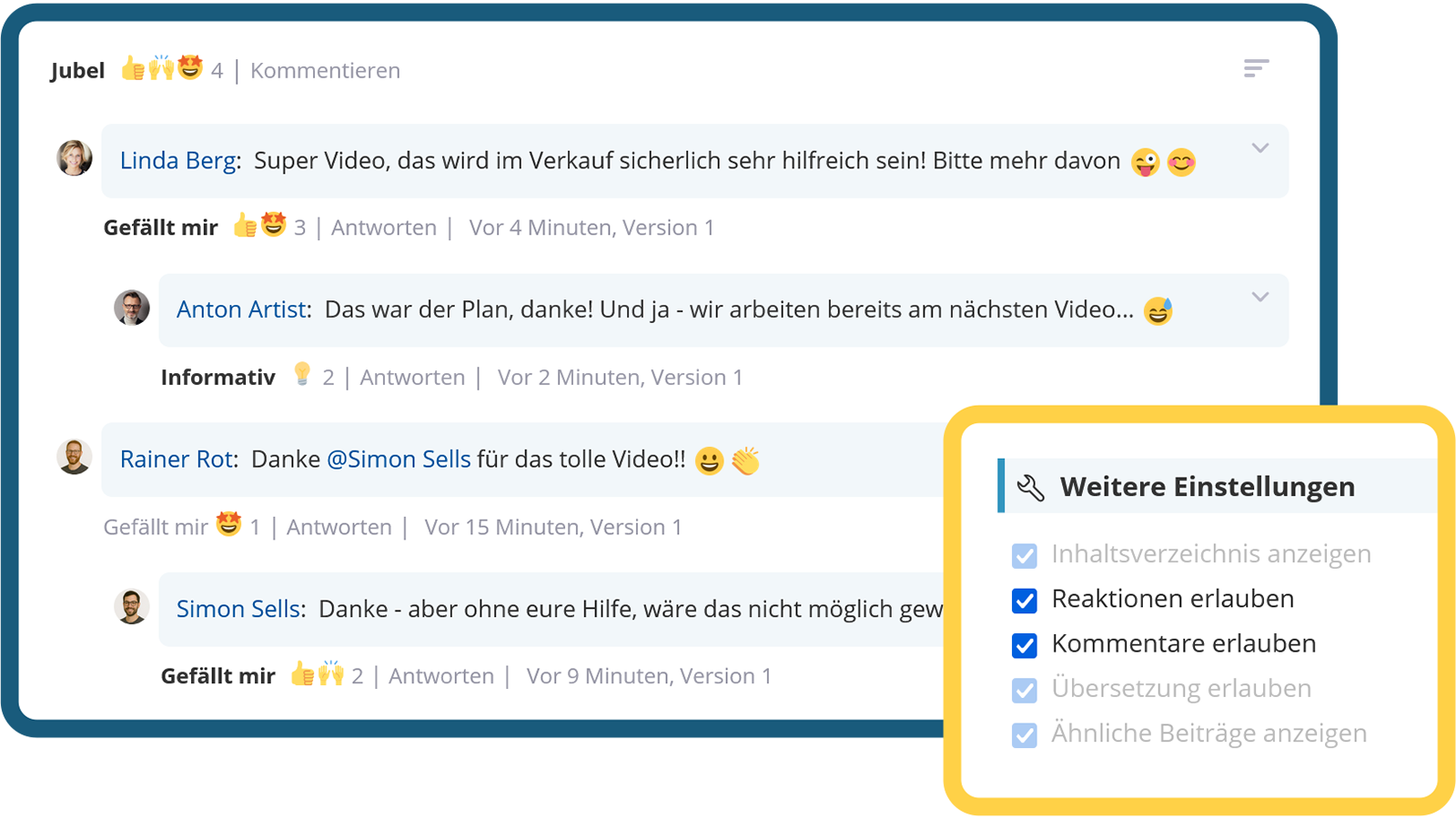
Employees can comment on posts, provide feedback and actively participate in discussions. This encourages exchange, increases engagement and gathers valuable feedback directly within the intranet.

  • Direct interaction opportunity
  • Actively involve employees
  • Receive valuable feedback

See also: Reactions & Comments

Give feedback and actively participate in discussions

Versioning

Working safely with automatic version control

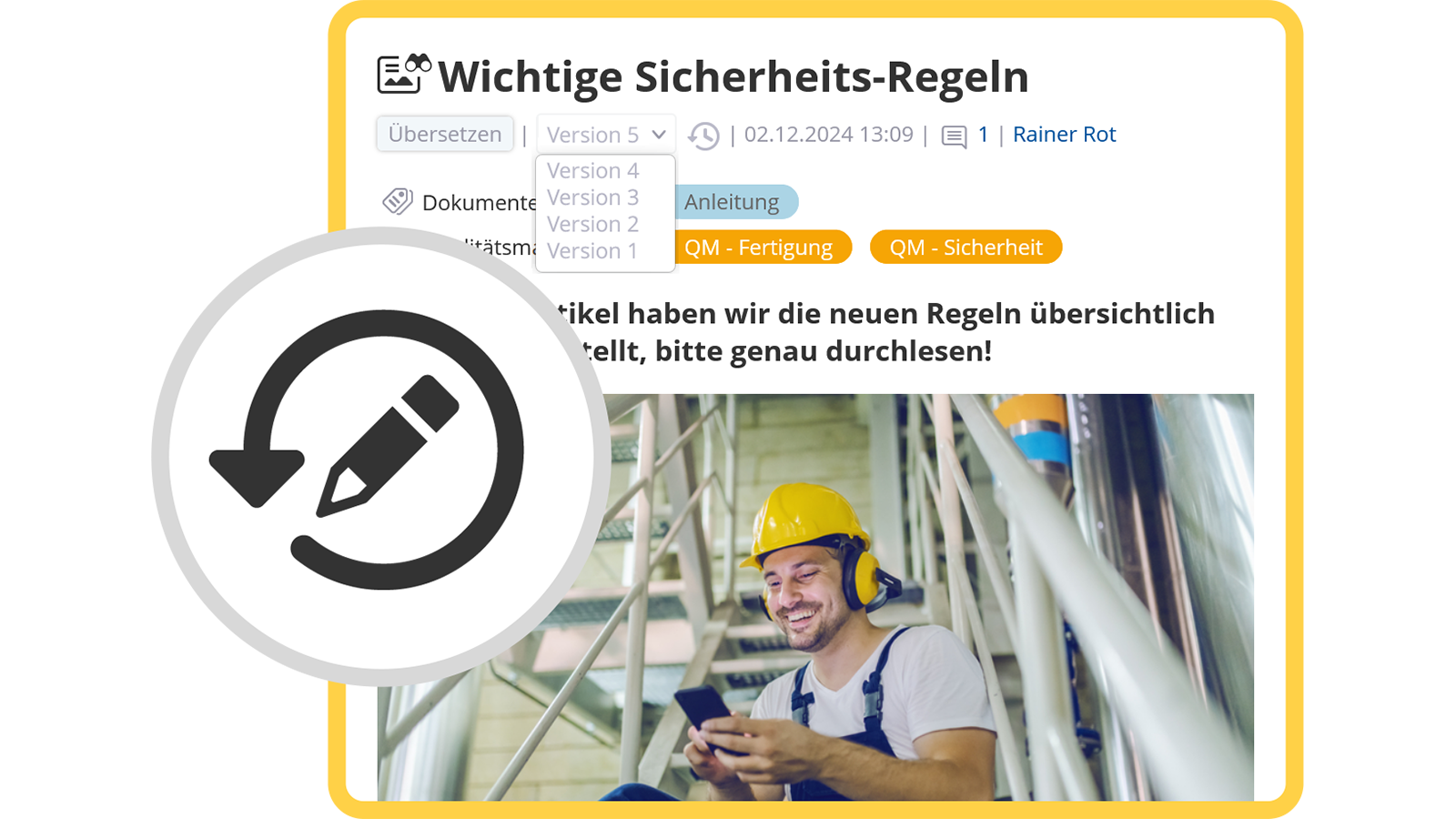
Automatic versioning enables access to previous versions of an article and makes changes transparently traceable through version comparison. It also lowers the inhibition threshold for editors, as content can be restored when needed. In exceptional cases, versioning can be bypassed using correction mode.

  • Automatic versioning
  • Restorability
  • Version comparison
Secure working with automatic version control
Communicate and confirm important information in a targeted manner

Read Receipts & Breaking News

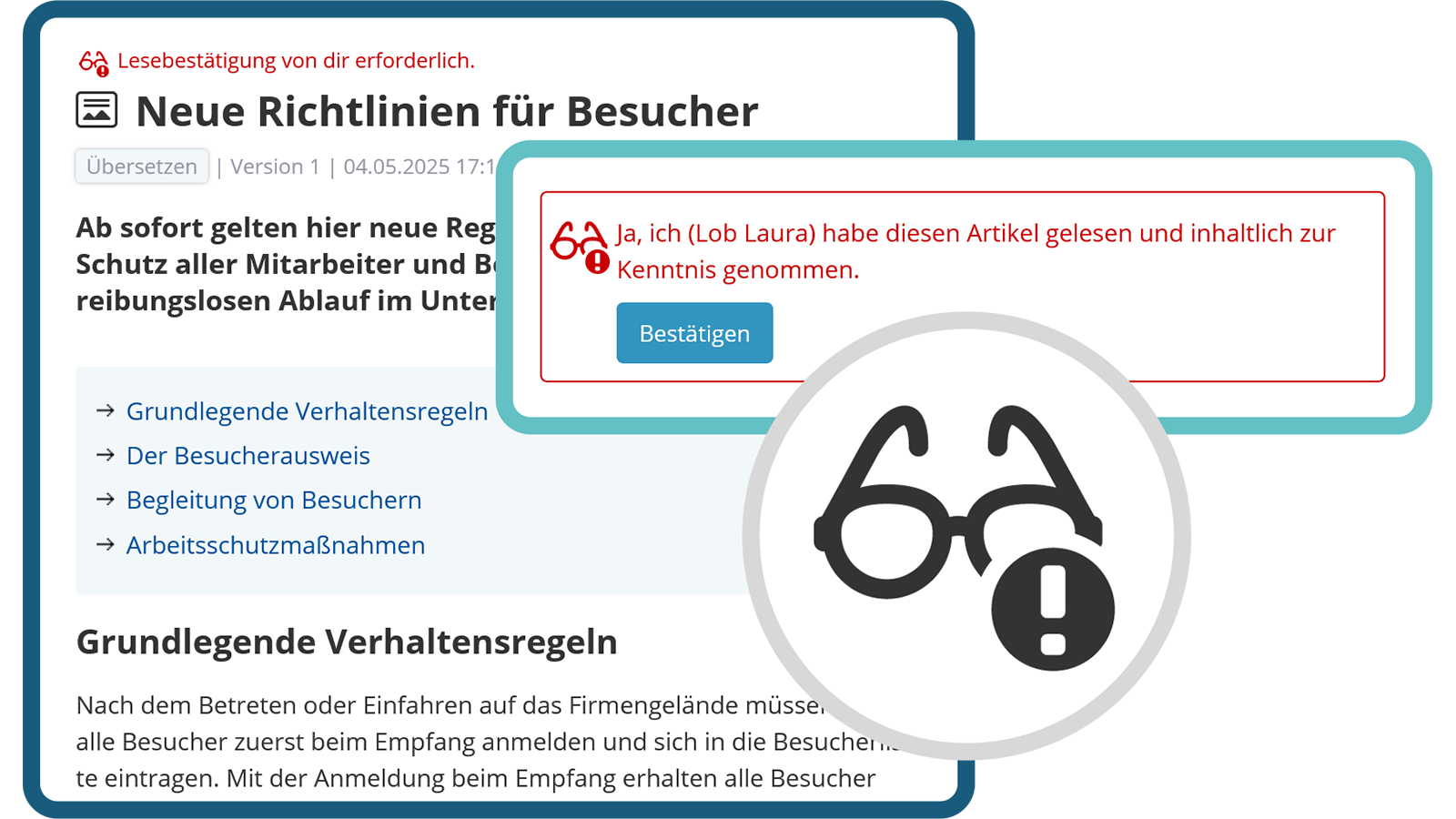
Communicate important information in a targeted way and have it confirmed

Posts can optionally be provided with read receipts to ensure that relevant content has been acknowledged. Particularly important information can be marked as Breaking News. Affected users are automatically notified via push or email according to their settings.

  • Obtain read receipts in a targeted manner
  • Mark posts as Breaking News
  • Notifications via push or email

See also: Notifications

Communicate and confirm important information in a targeted manner

Editorial Overview

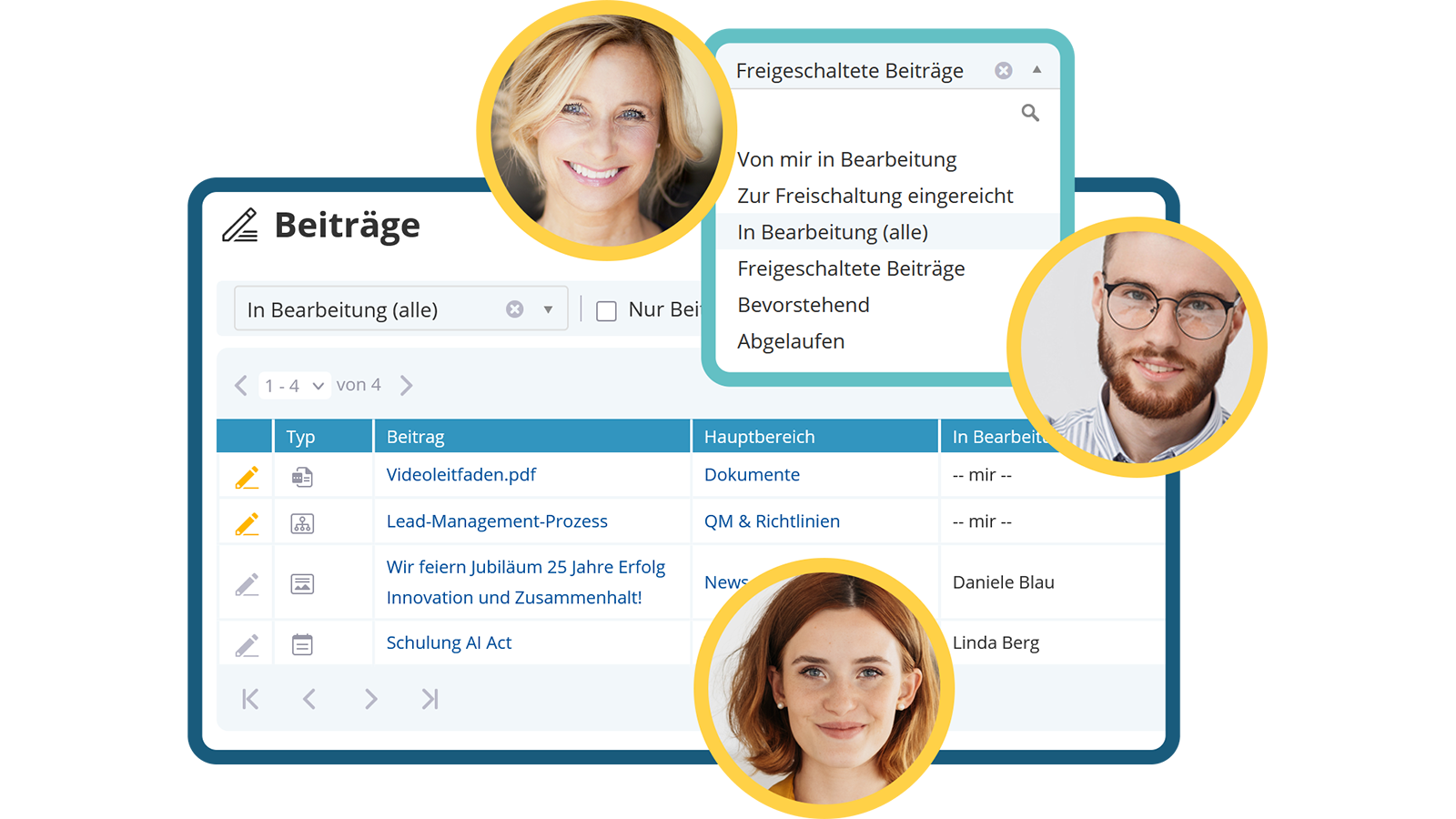
Centralised, cross-area access to all intranet articles

The editorial overview quickly displays all of your own articles – including those that are being edited or are not (yet) publicly visible. Depending on permissions, articles by other editors can also be accessed. The tabular view with sorting, filtering and search functions facilitates editorial work.

  • Cross-area listing
  • Access to archived and upcoming articles as well
  • Convenient search and filter options
Cross-departmental access to all editorial content
Video: Einsatz von Lesebestätigungen im KenCube Intranet

View next feature: Dokumente

Explore KenCube

We would be happy to present our Social Intranet Employee App Software to you in a no-obligation online demo.
If you are interested, we can also provide you with access to a free trial version.


Start Free Trial