


KenCube Intranet Features at a Glance
Social Intranet + Employee App: Two Products in One Software Solution
Social intranet software with employee app specifically tailored to the European market – leveraging know-how from over 25 years of experience, quickly ready for use, easy to use, GDPR-compliant.
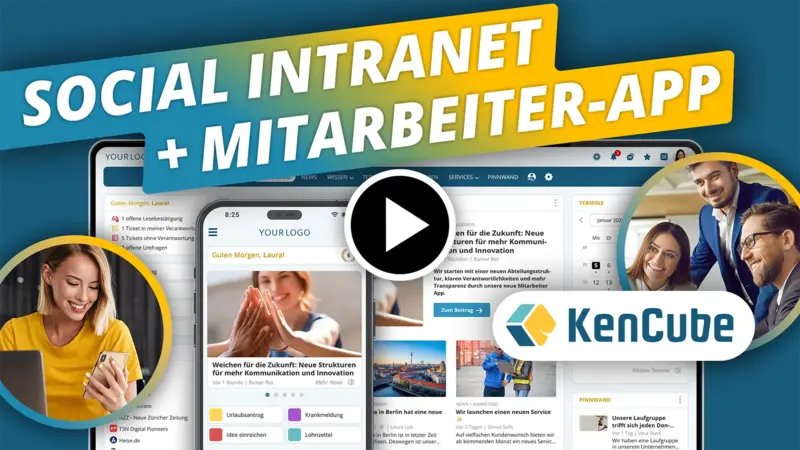
Which features and functions should a professional social intranet software have?
Share information, store knowledge in a structured way, and provide services centrally – social intranet software creates a digital platform for modern collaboration within the company.
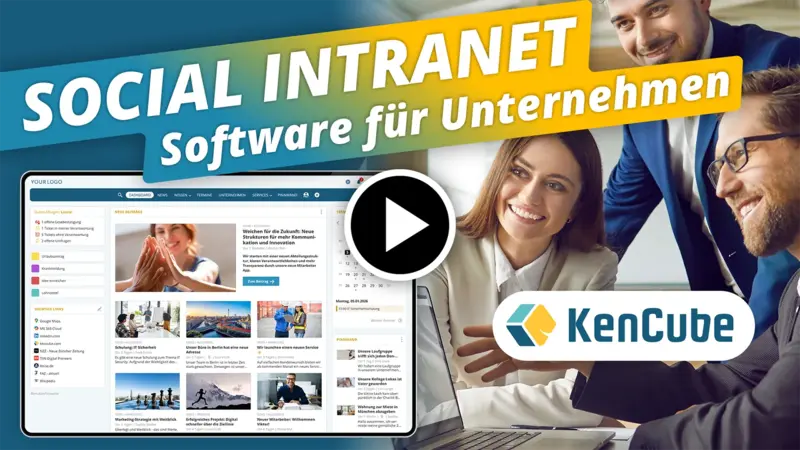
What key features distinguish a professional employee app?
All employees stay up to date at all times, are better connected with each other, and with the employee app also have access to important company content and services while on the go.
Creating Content in the KenCube Intranet
Simple, intuitive content management usable by everyone
KenCube supports editors with practical templates when creating posts. Various input forms, e.g. for articles, documents, image libraries, videos, audios, processes and much more, enable fast and structured content creation.
People & Departments in the KenCube Intranet
Manage employee data in the intranet in a structured way and find it quickly
In the KenCube intranet software, you can find colleagues quickly and easily, learn more about their competencies and responsibilities, and get a clear overview of the company structure thanks to the organizational chart.
Appointments & Bookings in the KenCube Intranet
Company calendar with integrated booking system
Communicate seminars, events, pickups, or cleaning appointments centrally and clearly in the intranet. Practical booking system for registering and managing participants.
Power Search in the KenCube Intranet
Search the intranet quickly and precisely
Whether people, specialized knowledge, circulars, or document contents – finding things quickly is a central key function of every intranet. With flexible filters, search results can be further narrowed down in a targeted manner.

Read Confirmations in the KenCube Intranet
Communicate important information in a targeted way and have it confirmed
Posts can optionally be provided with read confirmations to ensure that important content, new documents, or changes have been acknowledged by colleagues.

Internal Shop in the KenCube Intranet
Online catalog with ordering option
Employees receive a practical overview of available items such as workwear, office supplies, or promotional materials. Product categories can be made available specifically to certain user groups only.

Rights & Roles in the KenCube Intranet
Decentralized administration by topic-responsible individuals
In KenCube, structuring and assigning rights is not the responsibility of IT, but rather of the people who are professionally responsible for the content. This ensures that users only see what is relevant to them.

Surveys in the KenCube Intranet
Gain valuable insights through employee surveys
The survey feature of KenCube provides managers with a powerful tool to gain valuable insights into employee satisfaction, engagement, and opinions.

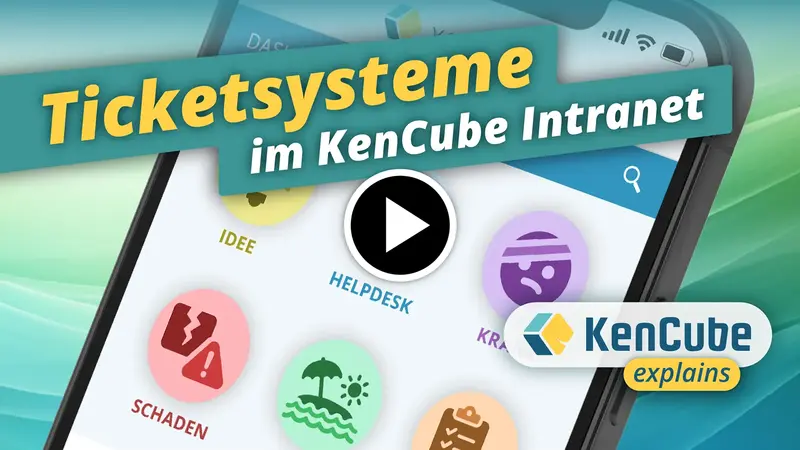
Ticket Systems in the KenCube Intranet
Forward inquiries directly to the responsible parties within the company
In KenCube, any number of ticket channels can be set up for different teams – for example, a helpdesk channel for IT problems, a channel for damage reports, or one for ideas and suggestions for improvement.
AI Tools in the KenCube Intranet
Create content faster and more efficiently with AI support
With the integrated AI tools in KenCube, texts can be quickly corrected, supplemented, and optimized. Suitable headings, bullet lists, or summaries can be created at the push of a button. Via the chat function of a post, users can ask the AI questions about the content.

Tables & Charts in the KenCube Intranet
Capture data in a structured way and provide it in interactive views
With KenCube, custom tables can be created. The data can be displayed in practical table or chart views, embedded in posts, or shown directly on the dashboard.

Explore KenCube
We would be happy to present our Social Intranet Employee App Software to you in a no-obligation online demo.
If you are interested, we can also provide you with access to a free trial version.