
Skip to content
Kencube_Mitarbeiterportal_Software_Logo.png
  1. Home
  2.  > 
  3. Features
  4.  > 
  5. Notify & Confirm

Notifications

Wichtige Nachrichten sofort erhalten, Richtlinien und Lesebestätigungen abzeichnen, regelmäßige Digest-Mails abonnieren, Info-Screens bespielen

Keep track of all notifications in one central place

Notification Center

All notifications centralized and clearly organized at a glance

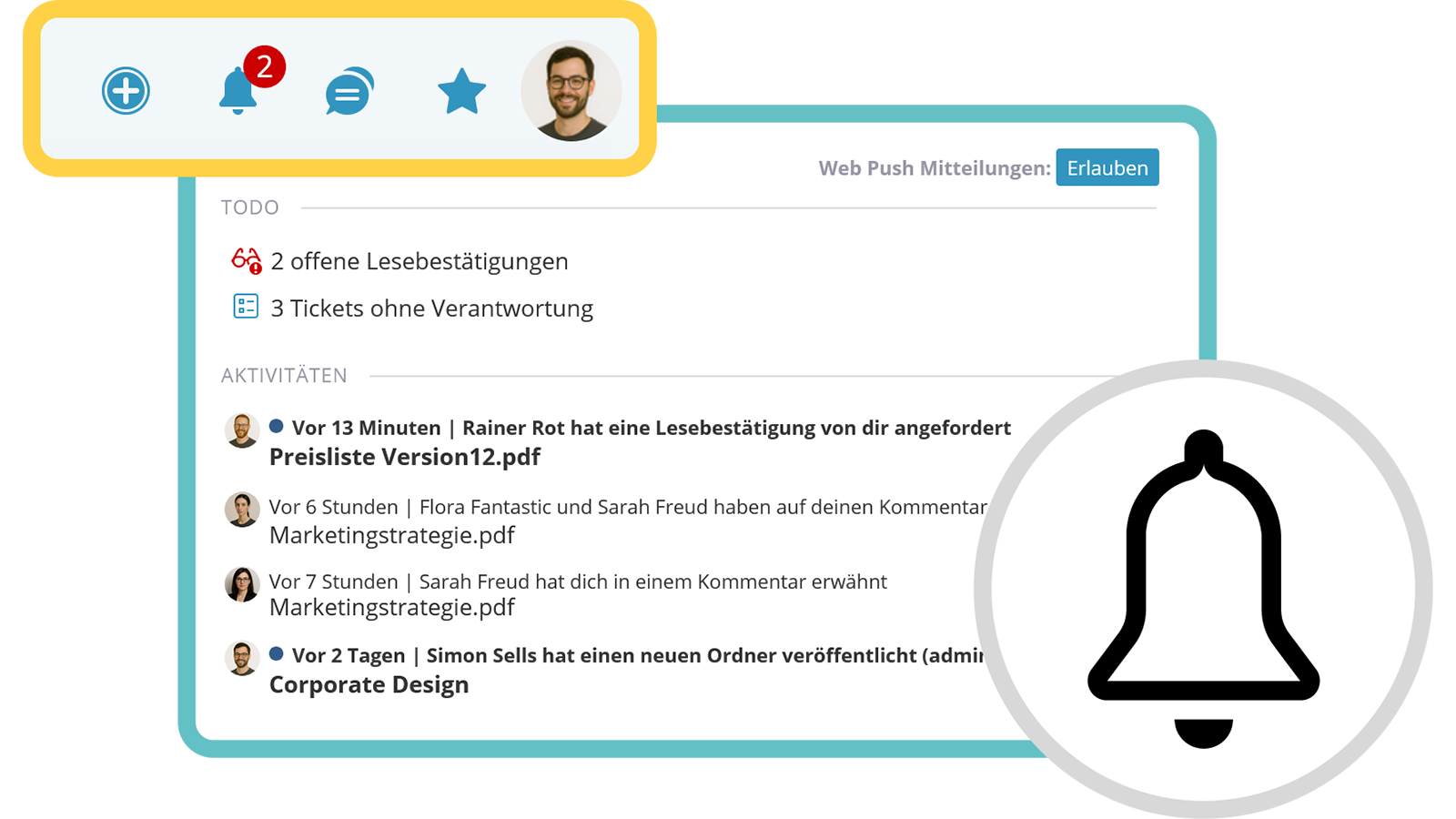
All notifications – such as alerts about new posts or open tasks – are consolidated centrally in the notification center ("bell"). New notifications are marked with a red notification badge. Optionally, web push can also be enabled in the browser.

  • All notifications in one place
  • Notification badge for new arrivals
  • Optionally receive information via web push
Keep track of all notifications in one central place

Information for Users

Provide important guidelines and information

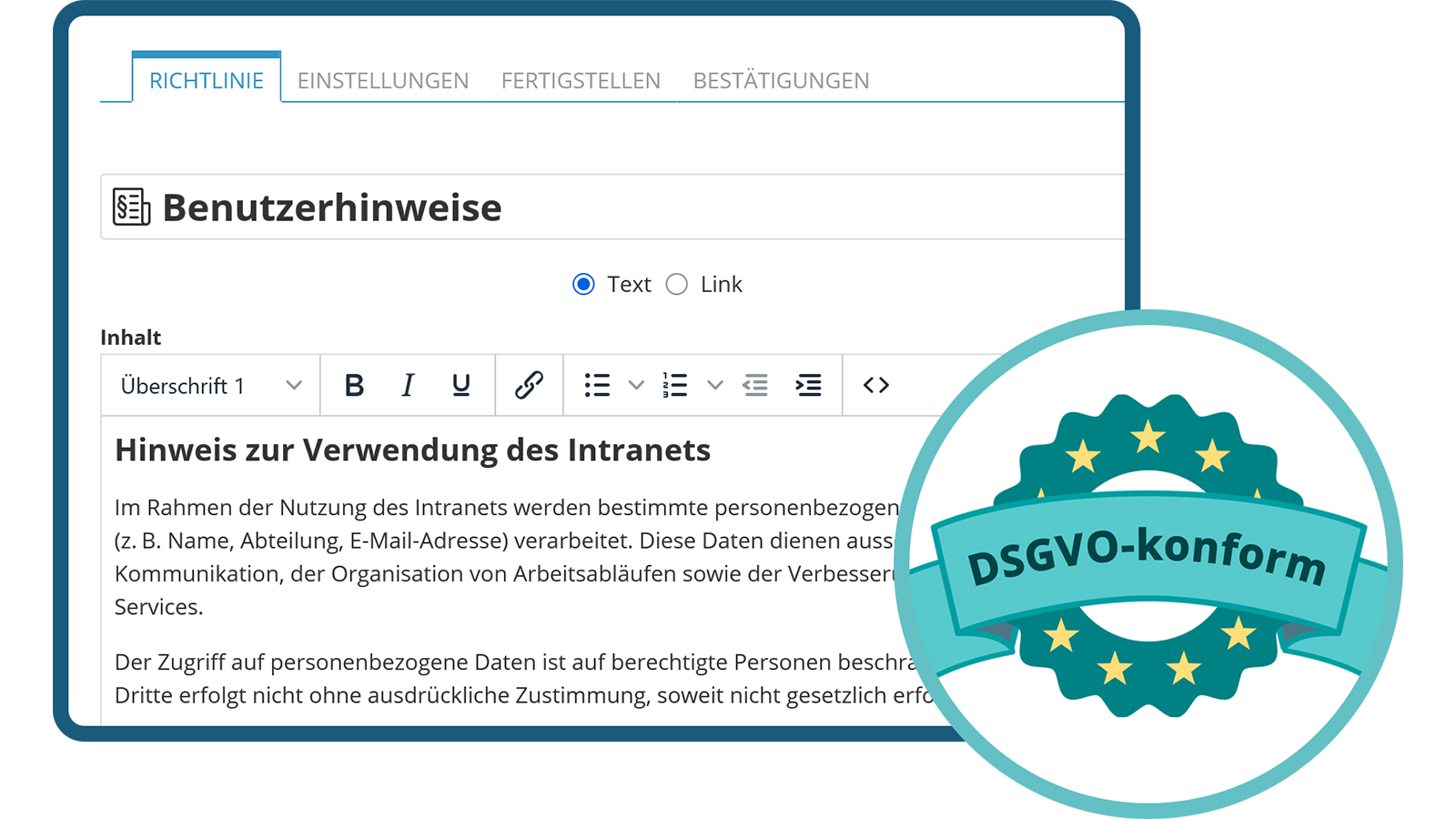
Essential information such as privacy policies, legal notices, or service contact details can be made available centrally and accessed quickly at any time. New or updated information can be configured so that it must be acknowledged in order to continue using the intranet.

  • Information always at hand
  • Can be linked via the footer
  • Mandatory acknowledgement possible
Provide important guidelines and information
Also receive notifications via email or app push

External Notifications

Receive important information via email, app or web push

In addition to the internal message center, notifications can also be received via email, as a push notification through the KenCube app, or as a web push in the browser. This ensures that alerts about important information are delivered immediately and reliably, also reaching less active intranet users.

  • Alternative notification channels
  • User-specific configuration
  • Notice important information instantly
Also receive notifications via email or app push

Breaking News & Read Receipts

Effective communication for important corporate information

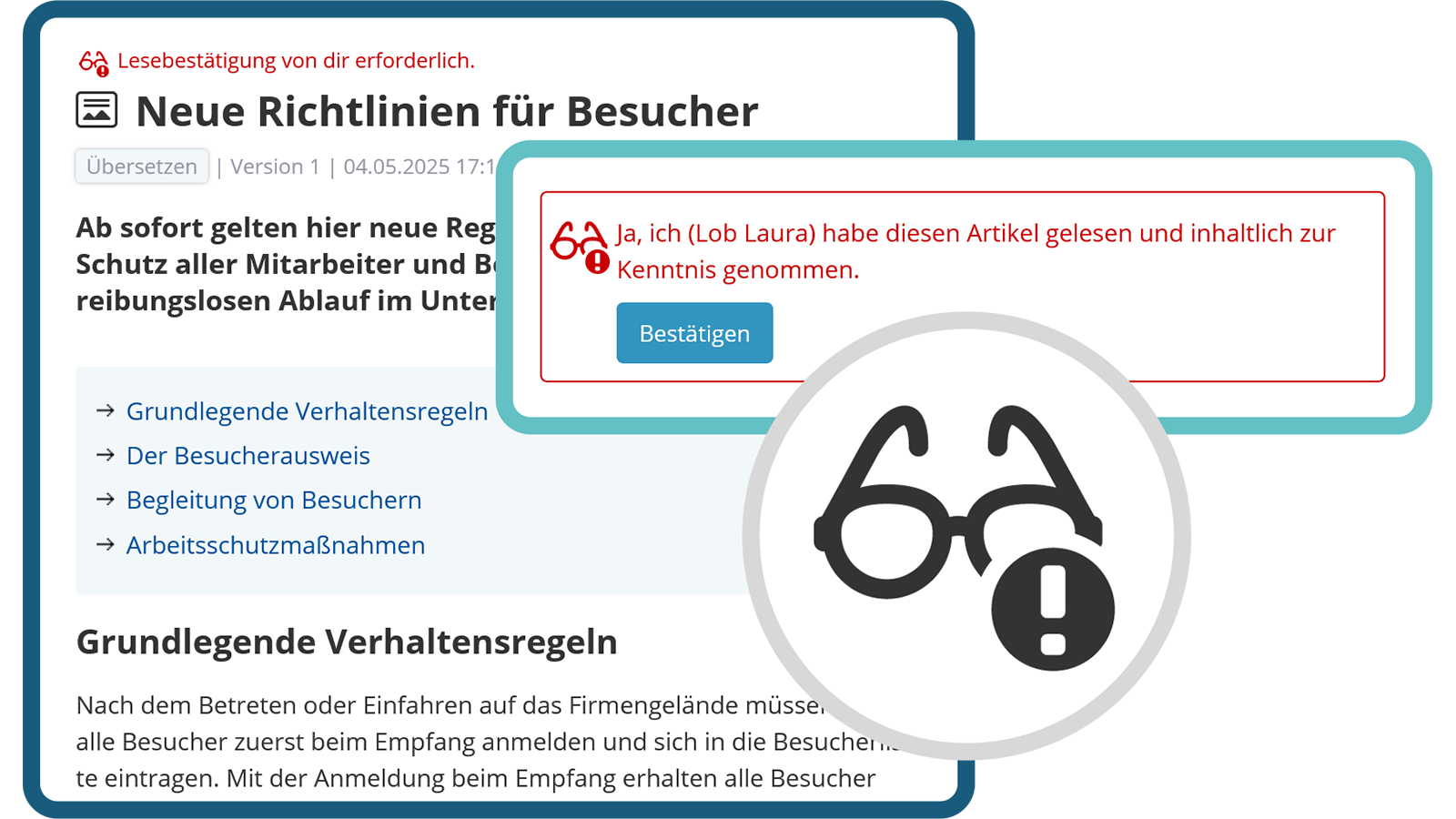
With KenCube, important posts can be equipped with a read receipt or published as Breaking News, triggering an immediate notification. To ensure that essential information is not overlooked, pop-up messages can also be used in the intranet, which immediately catch the eye.

  • Read receipts
  • Breaking News
  • Pop-up messages
Communicate and confirm important information in a targeted manner
newsletter-digest-mail-examples.webp

Watch & Subscribe

Individual notifications for new and modified content

In KenCube, users can watch posts or entire folder areas to be informed about new posts or versions according to their notification settings. Main area managers can set mandatory watches for groups, ensuring that no important updates are missed.

  • Individual watching
  • Mandatory notifications
  • Controlled distribution
newsletter-digest-mail-examples.webp

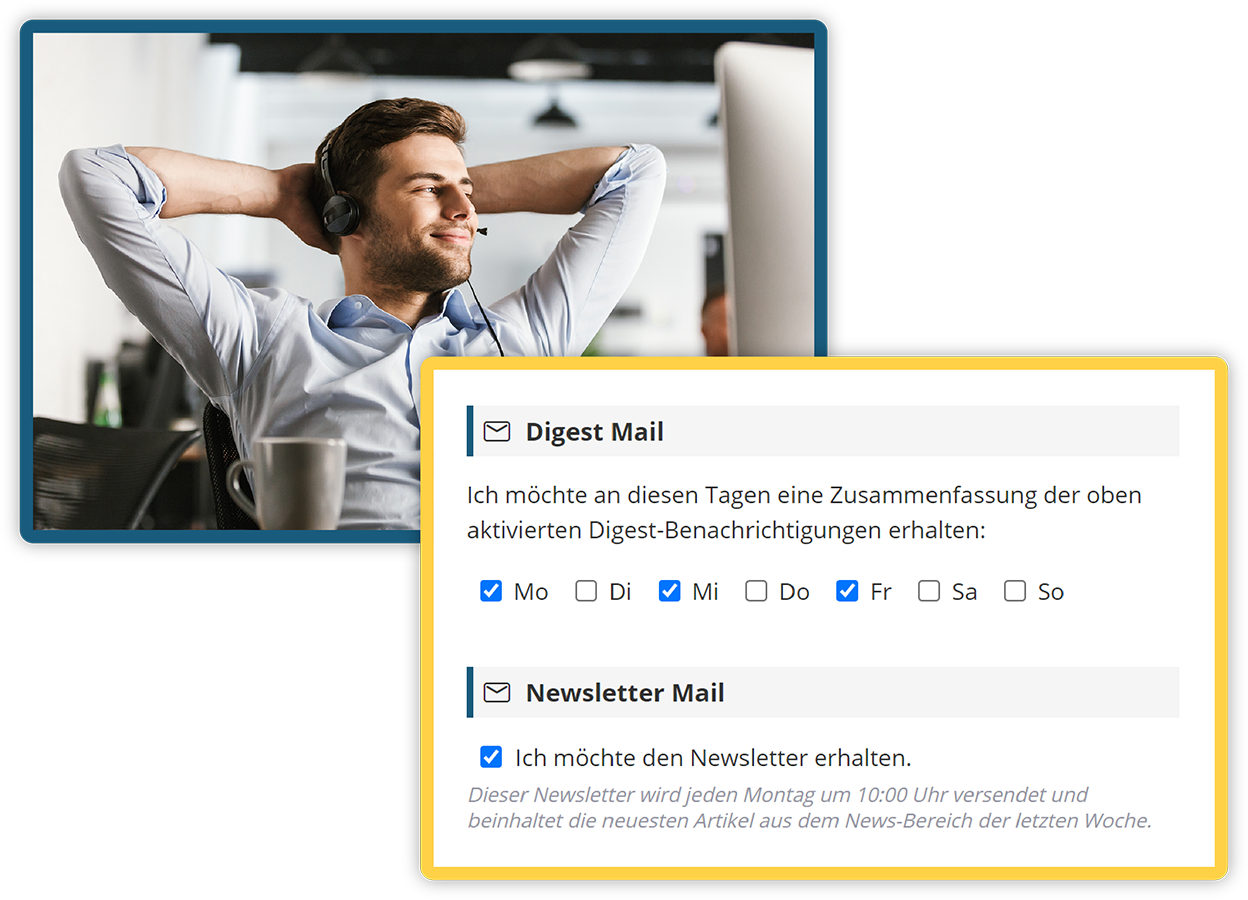
Digest Emails

User-specific summary of the most important intranet activities

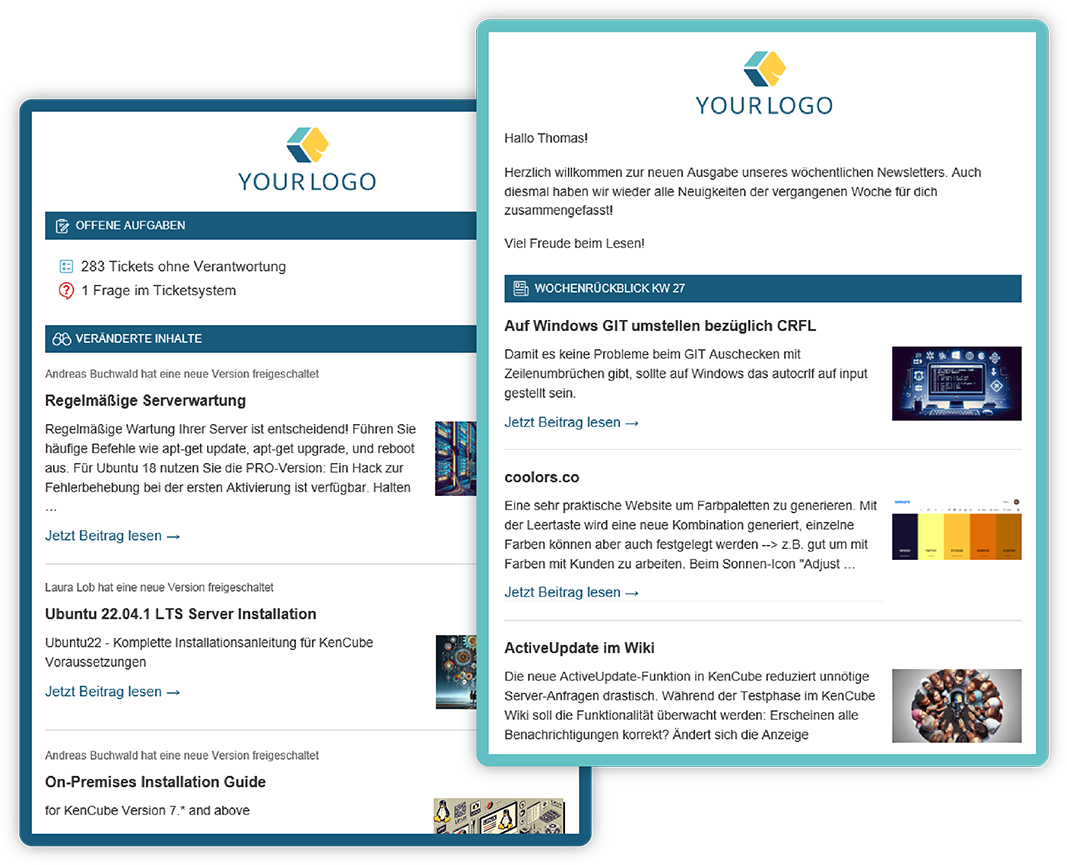
Digest emails provide users with a compact overview of new posts, comments, reactions, and important changes in the intranet. This way, everyone stays informed without having to actively search for news. Less active users are also reached and receive important updates.

  • Compact, tailored summaries
  • Individually adjustable sending frequency
  • Regular updates for everyone via email
newsletter-settings.webp
Einsatz von Lesebestätigungen im KenCube Intranet

View next feature: User Management

Explore KenCube

We would be happy to present our Social Intranet Employee App Software to you in a no-obligation online demo.
If you are interested, we can also provide you with access to a free trial version.


Start Free Trial