Skip to content
Kencube_Mitarbeiterportal_Software_Logo.png
  1. Home
  2.  > 
  3. Features
  4.  > 
  5. Rights & Roles

Rights & Roles

Hauptbereichsmanager:innen festlegen, Lese- und Redaktionsrechte für Workspaces definieren, Zugangsrechte zu Hauptbereichen einschränken

Decentralised management by thematically responsible persons

Main Area Managers

Decentralized administration by thematically responsible persons

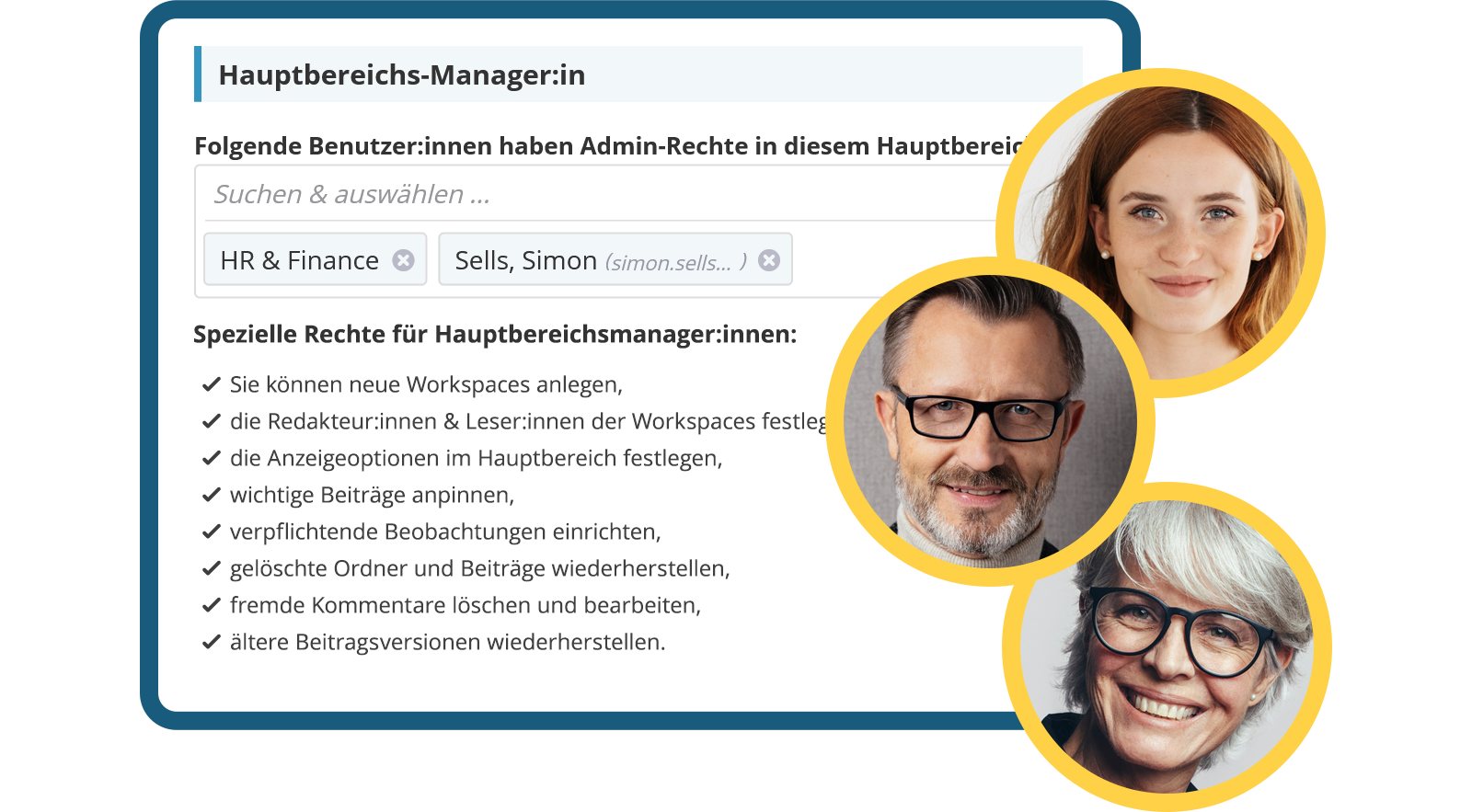
Structuring and assigning permissions in the intranet is often not a classic IT task, but rather lies with those people who are thematically responsible for an area. In addition to the central system admins, dedicated managers can be defined for each main area in KenCube, who receive the same administrative rights there.

  • Assign area-specific admin rights
  • Highest administrative rights for subject matter experts
  • Relieve the IT department through area managers

Decentralised management by thematically responsible persons

Workspaces

Editorial permissions configurable for each workspace

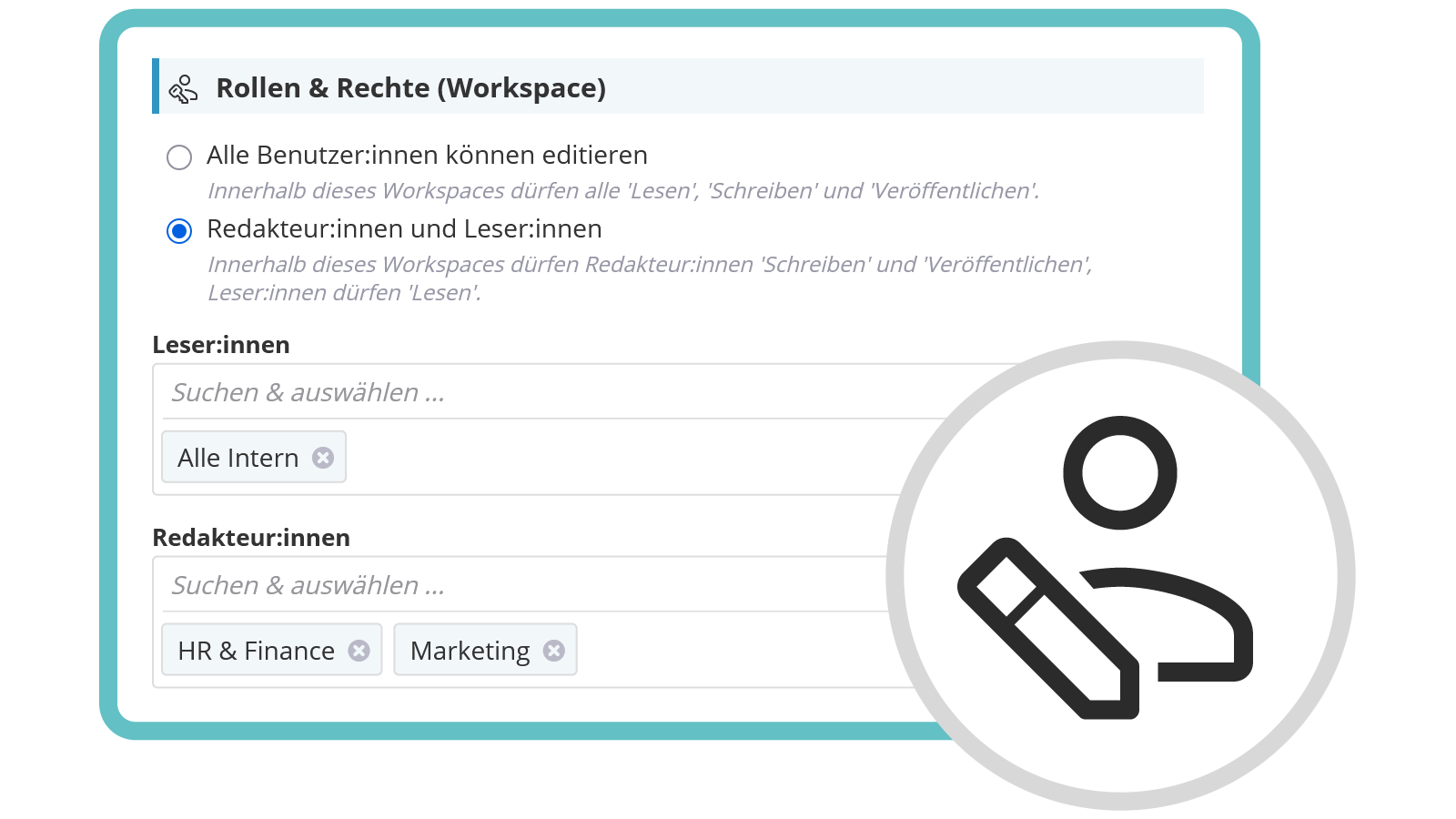
In KenCube, workspaces can be set up with various permission concepts – for example, with the „everyone-is-an-editor“ principle or the classic model with separate read and write permissions. Persons without read permission have no access to the respective workspace.

  • Open editorial model (Wikipedia principle)
  • Editorial control through role model
  • No access without read permission
Editorial rights assignment configurable at workspace level
Verified approval by editors-in-chief

Editor-in-Chief System

Publish content only after additional review

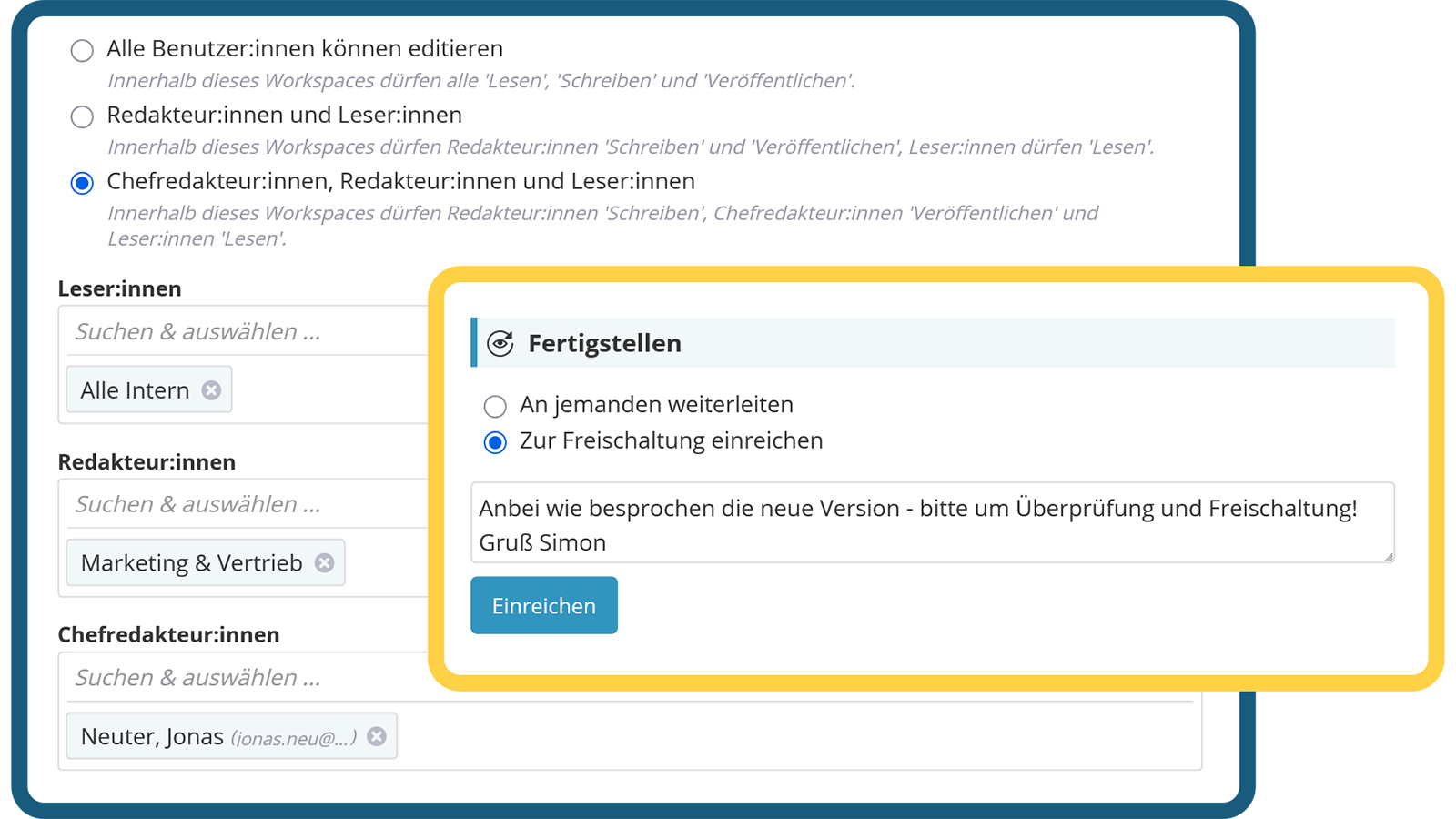
With the editor-in-chief system, KenCube offers a third model for assigning rights in workspaces: Content is created by the editorial team and only published after approval by the editor-in-chief – similar to the four-eyes principle. Ideal for sensitive content such as procedural instructions or official guidelines.

  • Alternative, three-tier role model
  • Reviewed approval by editors-in-chief
  • Control mechanism for sensitive information
Verified approval by editors-in-chief

Access Control for Main Areas

Make only relevant areas available to specific groups of people

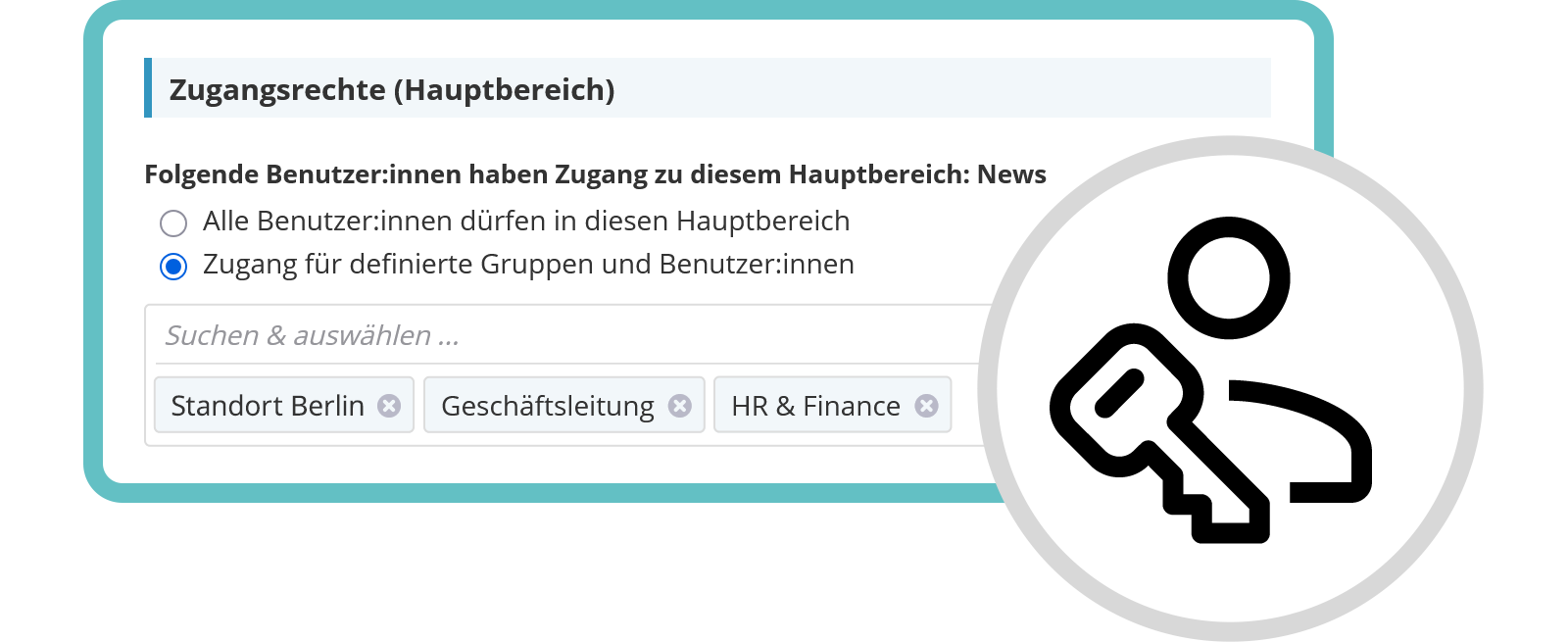
Sysadmins can selectively share or hide main areas for specific users or groups. Areas that are not shared are then not displayed in the main menu, and their content is not considered in search results. This keeps the intranet clearly structured – for example, for different locations or departments.

  • Targeted sharing of main areas
  • Automatically adjusted main menu
  • Structured presentation for teams & locations
Targeted release of main areas
Video: Rechte und Rollen im KenCube Intranet

View next feature: Analytics & Statistics

Explore KenCube

We would be happy to present our Social Intranet Employee App Software to you in a no-obligation online demo.
If you are interested, we can also provide you with access to a free trial version.

Start Free Trial