Skip to content
Kencube_Mitarbeiterportal_Software_Logo.png
  1. Home
  2.  > 
  3. Features
  4.  > 
  5. Persons & Corporate Structure

Persons & Corporate Structure

Kolleg:innen finden und kontaktieren, Kompetenzen erfahren, Verantwortlichkeiten verstehen, die Firmenstruktur als Organigramm darstellen, Raumpläne erstellen

personen-karten.webp

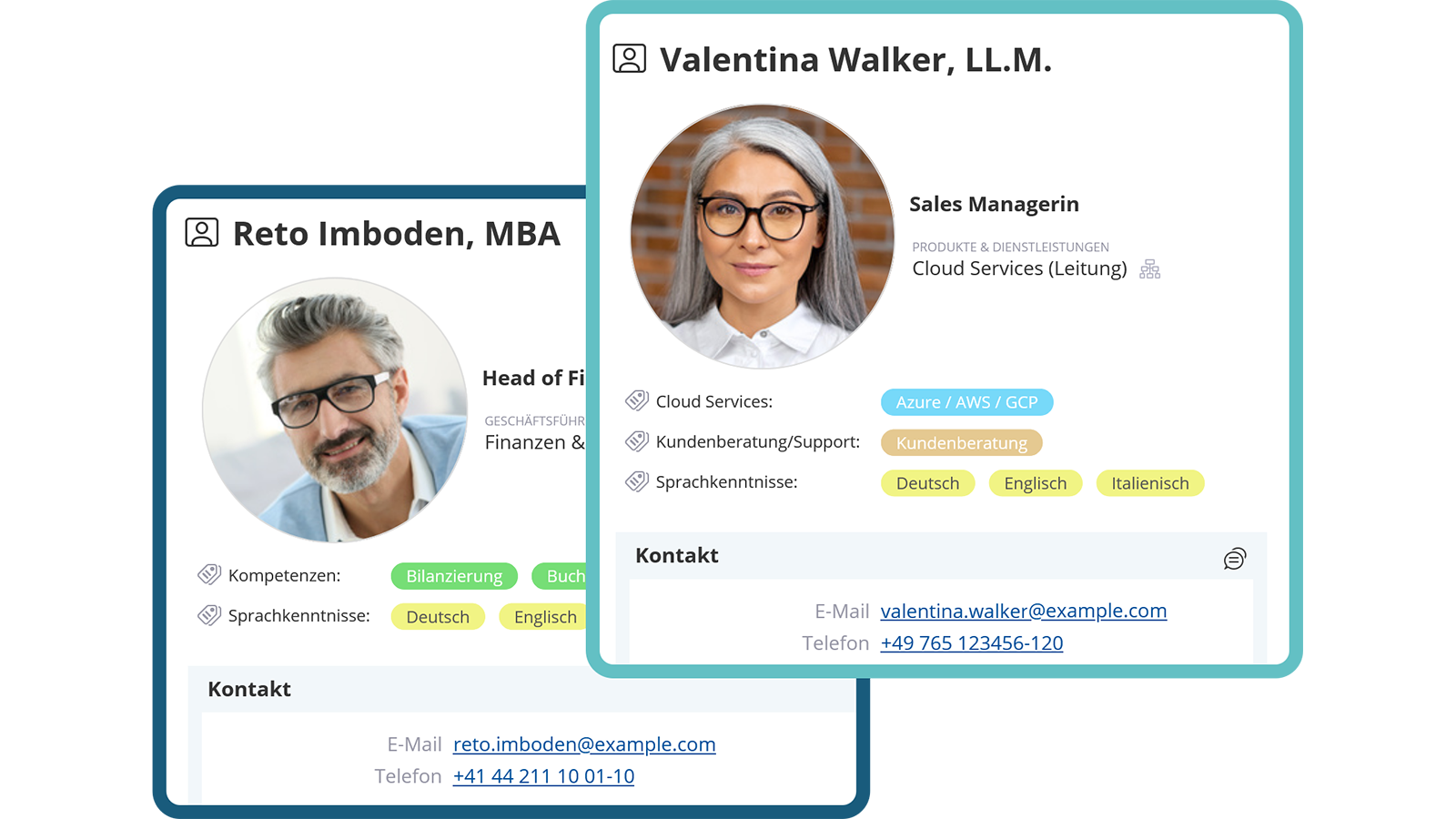
Create Personal Profiles

Manage and quickly find employee data in the intranet in a structured way

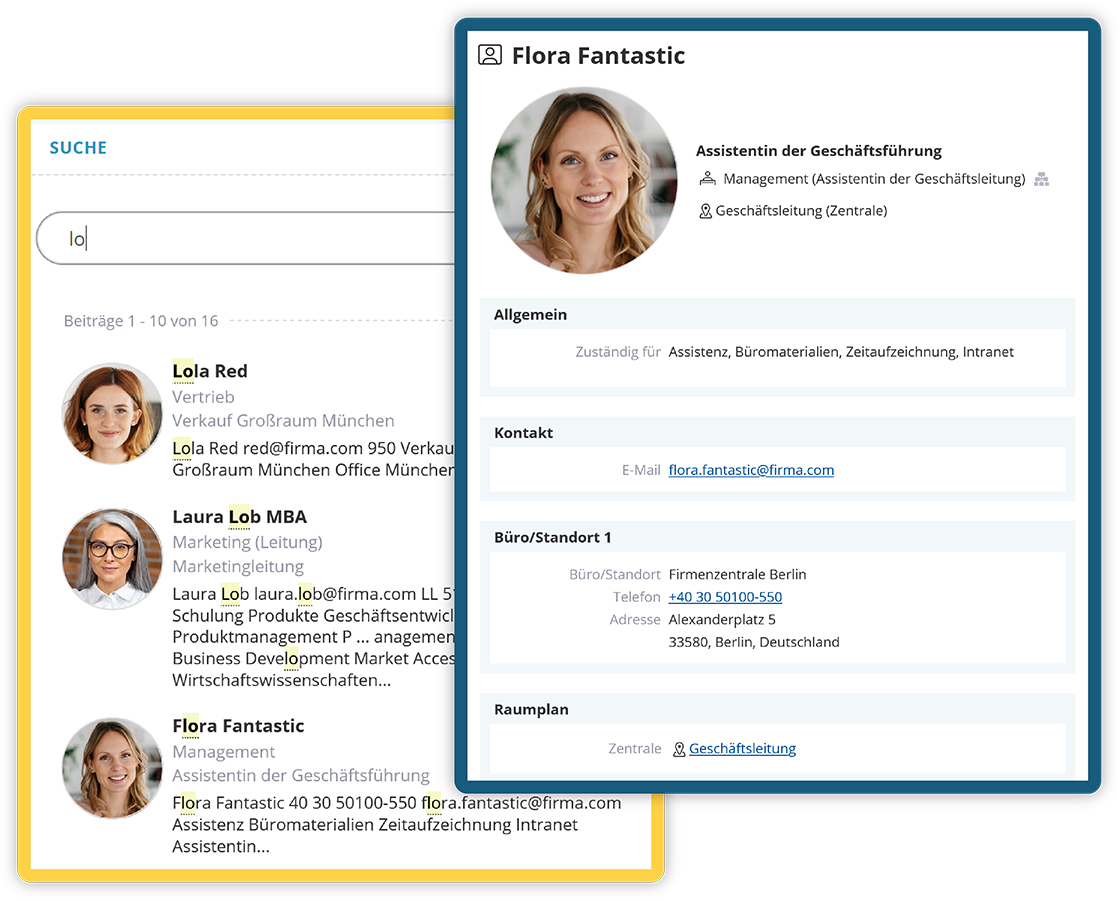
Individual personal profiles can be created for employees, including photo, master data, position, competencies, special skills and more. The data is managed by the HR department, imported automatically or optionally released for self-maintenance. Using the Power Search, people can be found quickly and easily.

  • Individual personal profiles
  • Flexible data management
  • Fast access with the Power Search
personen-karten.webp

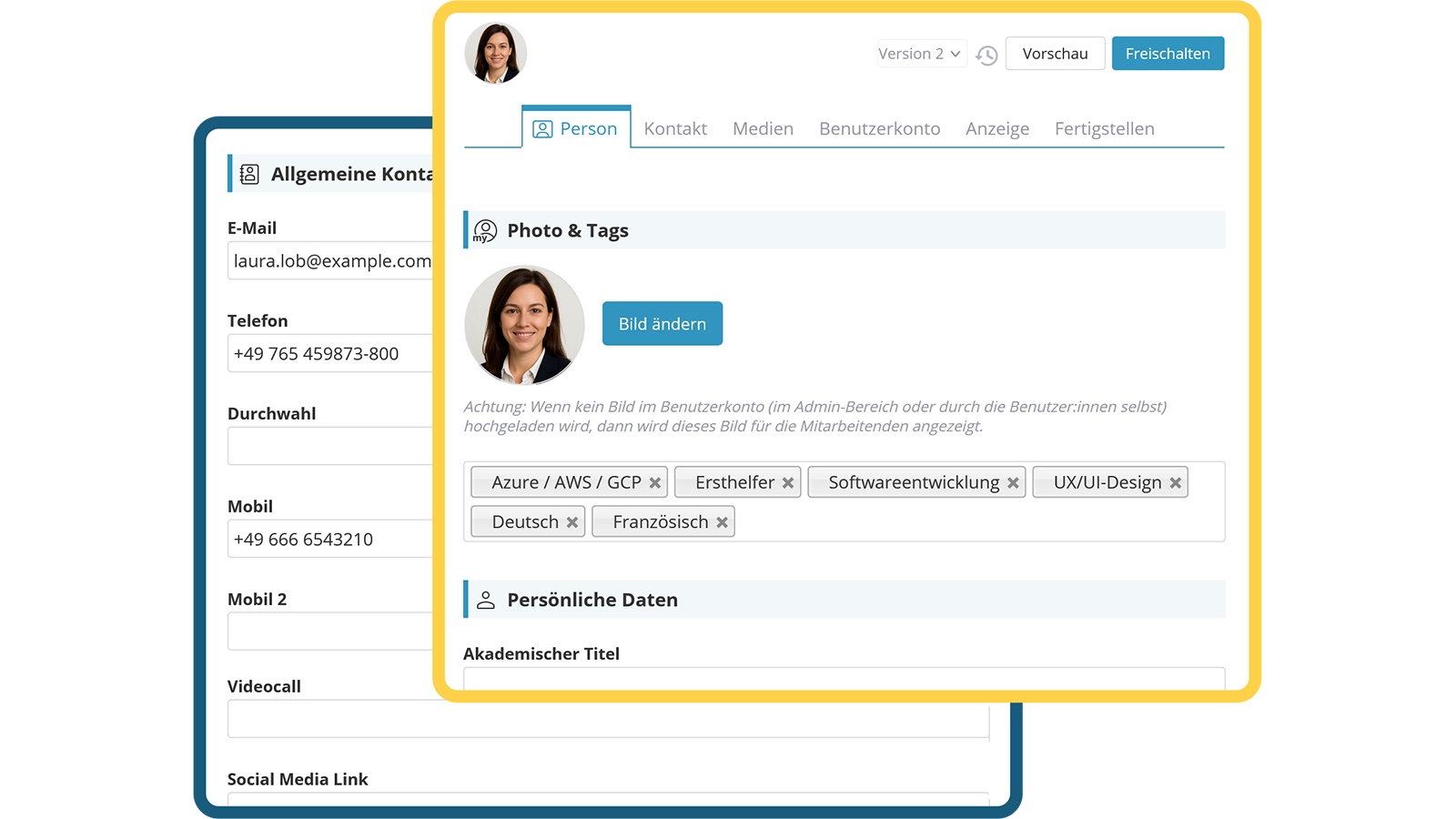
Specially Tag People

Manage Overarching Roles, Skills and Assignments with Tags

With the tagging function, overarching roles such as first responders, data protection officers, special skills or even site affiliations of people can be clearly identified. A click on the tag opens the Powersearch and displays all people with this function.

  • Display roles and skills
  • Identify affiliations
  • Clear display in the Powersearch
personen-editieren.webp
Map out organizational structure clearly

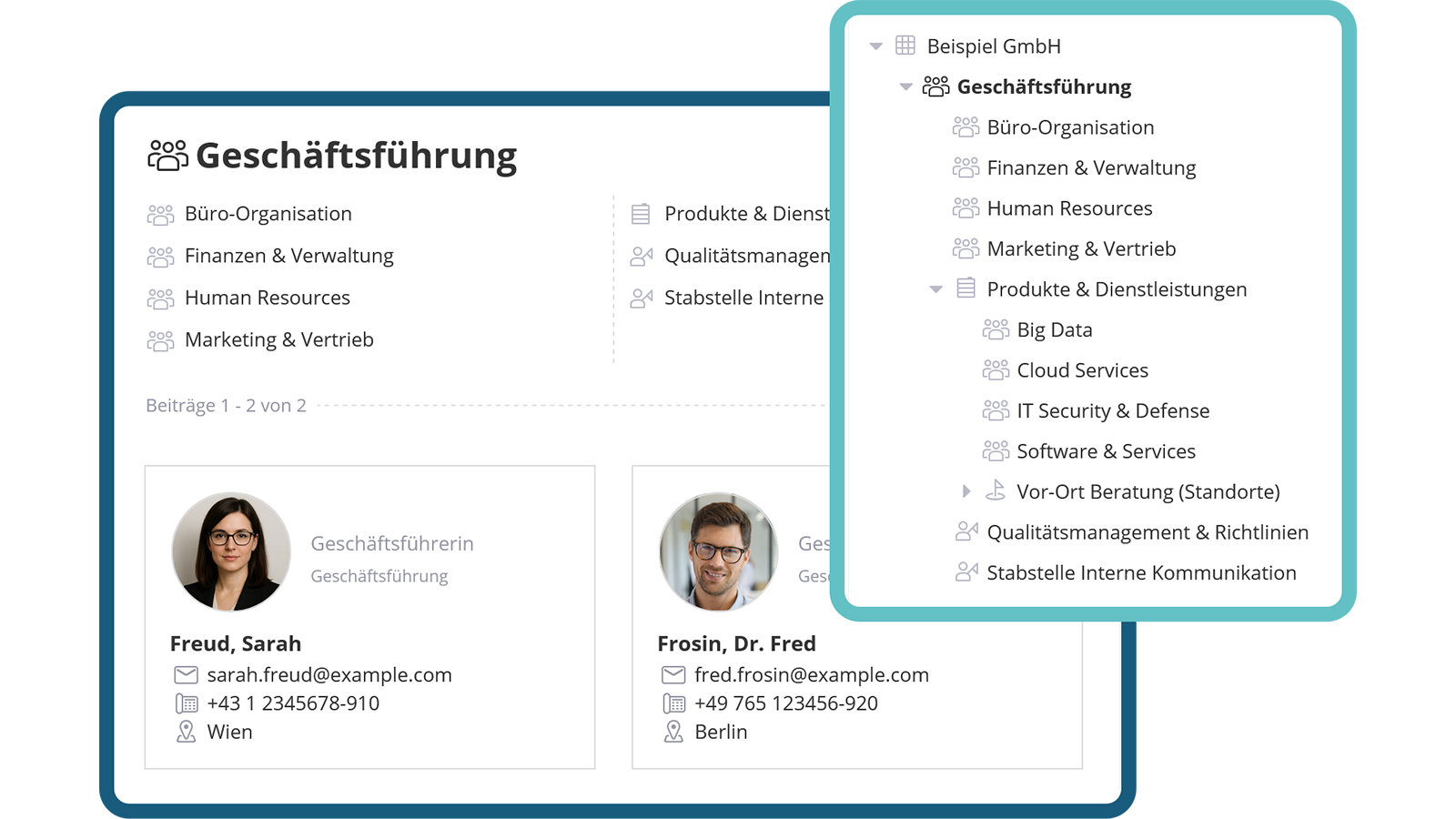
Hierarchical Organisational Structure

Structured representation of people and organisational units

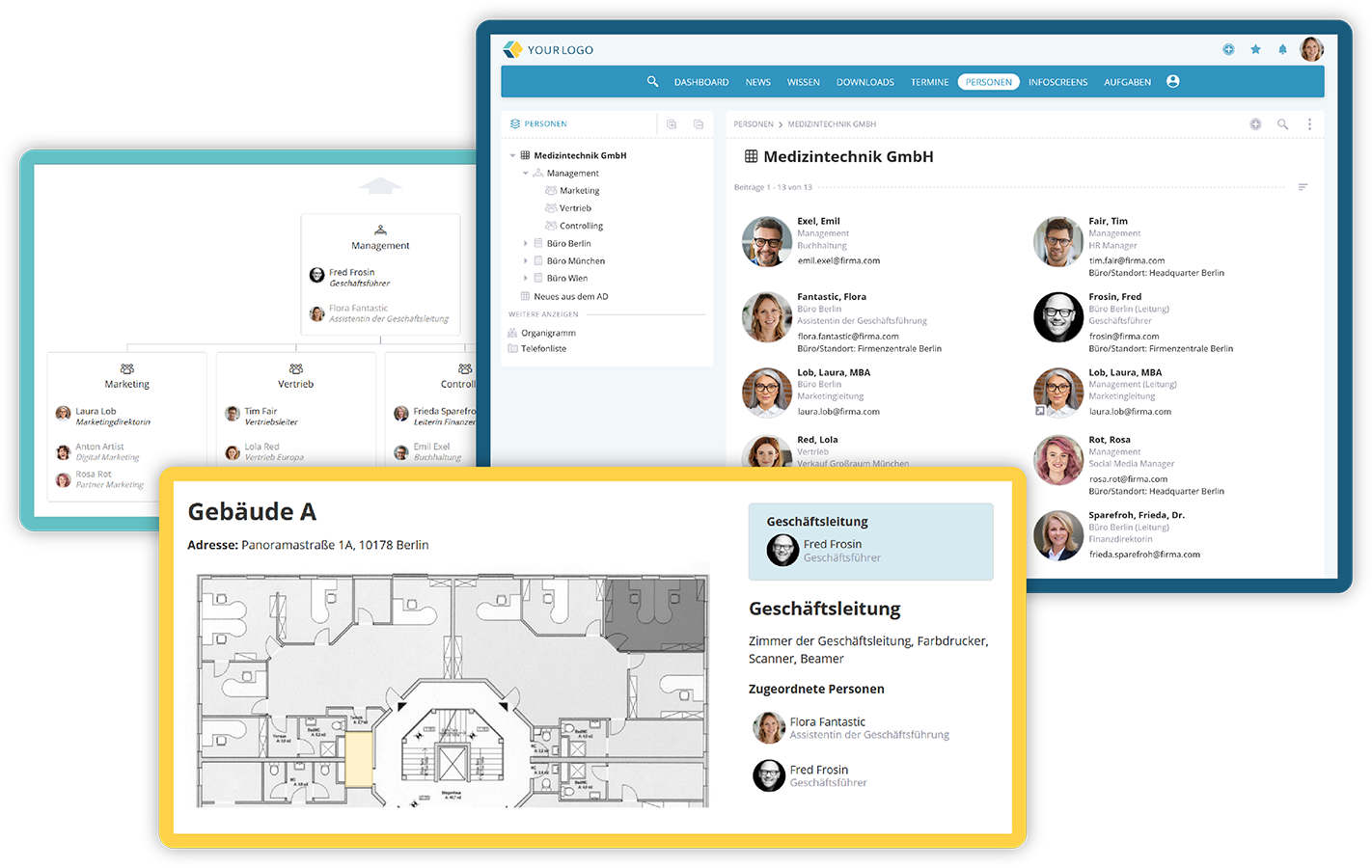
Personnel cards are built up hierarchically in accordance with the organisational structure. Using the alias selection, people can also be assigned to multiple areas. Organisational units such as locations, departments or teams can be supplemented with descriptions and assigned to groups.

  • Map organisational structure
  • Descriptions for org units 
  • Multiple assignments possible
Map out organizational structure clearly

Organisational Chart and Phone List

Clear presentation of the organisational structure at the touch of a button

The company structure is automatically displayed as an interactive organisational chart. Various display settings such as people, management functions or photos can be flexibly selected. In addition, a classic phone list can be appropriately configured and made available in printed form for employees without online access.

  • Interactive organisational chart
  • Classic phone list
  • Individual display options
personesuche-und-karte.webp
raumplan-organigramm-overview.webp

Interactive Floor Plans

Clear room visualization for better orientation

With the integrated Draw.io functionality, interactive floor plans can be created and people assigned to the respective rooms. Supplementary room descriptions provide practical additional information. This creates better orientation, especially for new employees, and provides support in emergency situations.

  • Interactive floor plans
  • Add information about rooms
  • Improve orientation
raumplan-organigramm-overview.webp
Video: Personen & Abteilungen im KenCube Intranet

View next feature: Power Search

Explore KenCube

We would be happy to present our Social Intranet Employee App Software to you in a no-obligation online demo.
If you are interested, we can also provide you with access to a free trial version.


Start Free Trial