
 DE
DE

The employee app for SMEs & Organisations
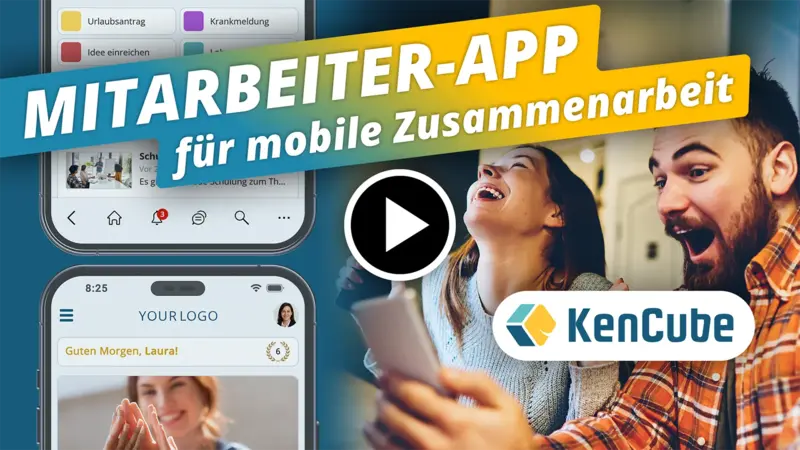
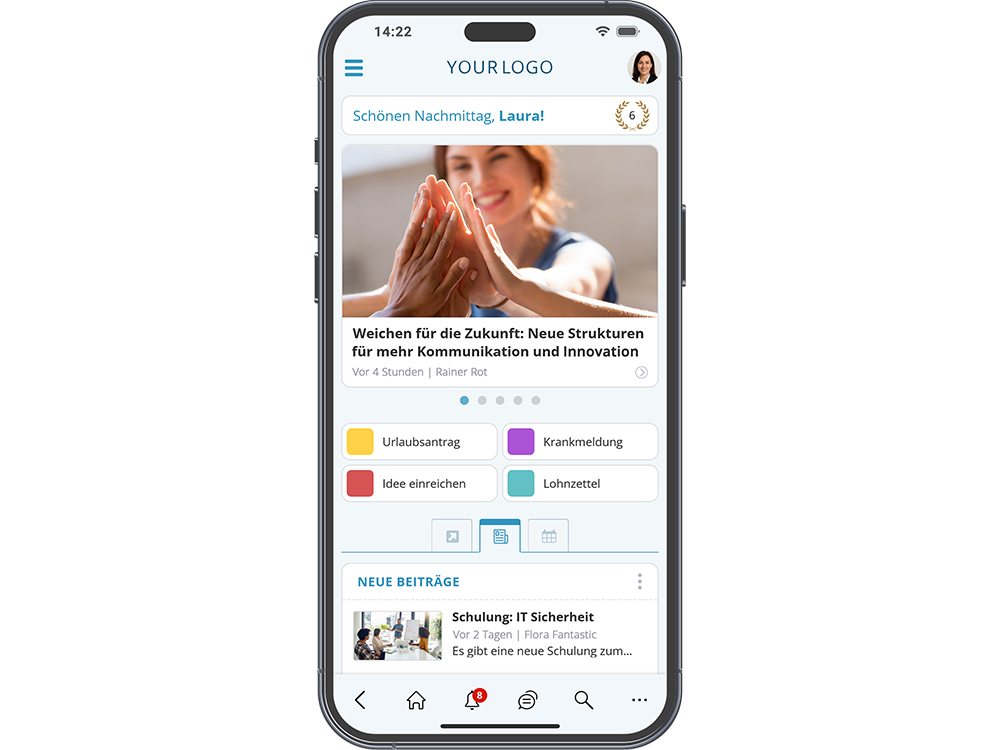
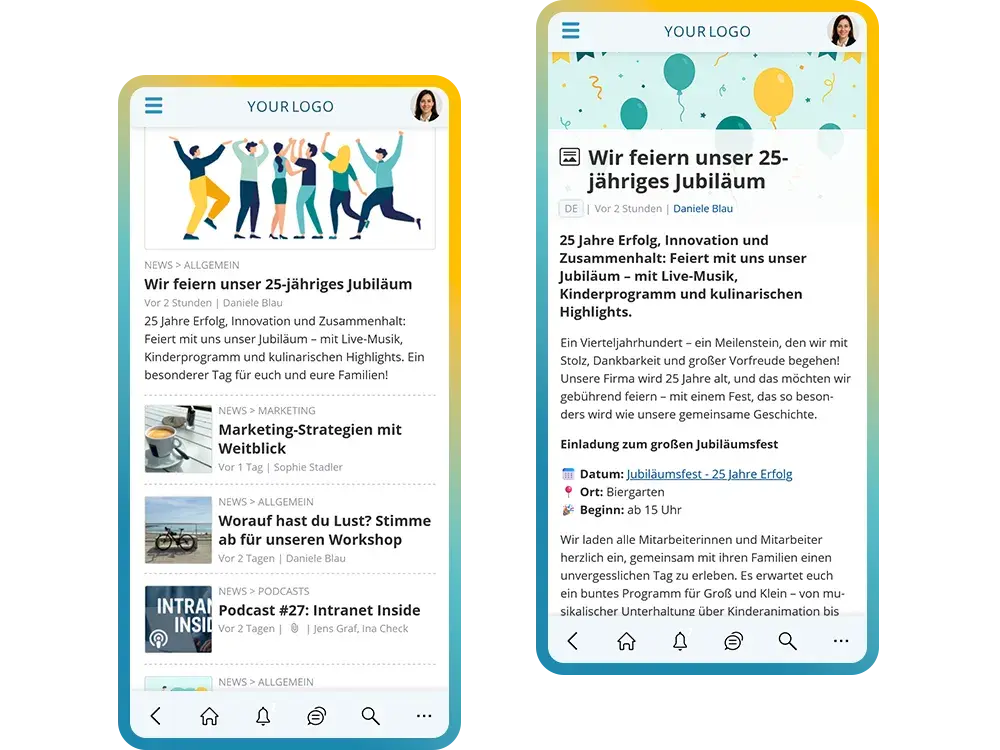
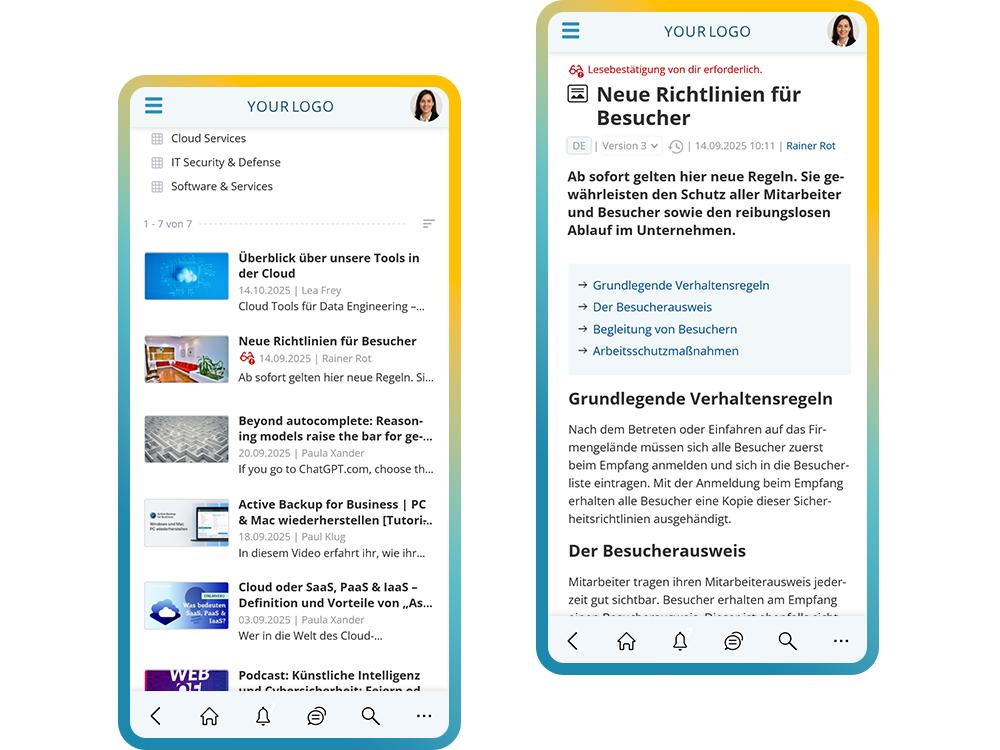
The employee app brings news via push notification, knowledge, documents and forms to the smartphone. It can also be used by employees without a company PC or company email address and on private devices.
.svg)

















.webp)
What customers say about the KenCube Suite
4.95 out of 5 stars based on 73 reviews on independent platforms.
As of October 2026




Choosing an employee app: checklist for your comparison
What matters in an app for the entire workforce
An employee app only gets used if it reaches everyone and takes work off their hands day to day. That is why access without a company account, reliable push notifications and self-services that go beyond plain news are so important. It also matters whether the app and browser access the same platform or whether two separate systems have to be maintained.
The KenCube employee app is the mobile access point to the Social Intranet Software. Editing and administration happen in the browser, while reading, reporting and confirming happen on the smartphone.
Checklist
- Does login work without a company e‑mail address?
- Does the app run on personal devices, even without an app store?
- Can each person decide which push notifications they receive?
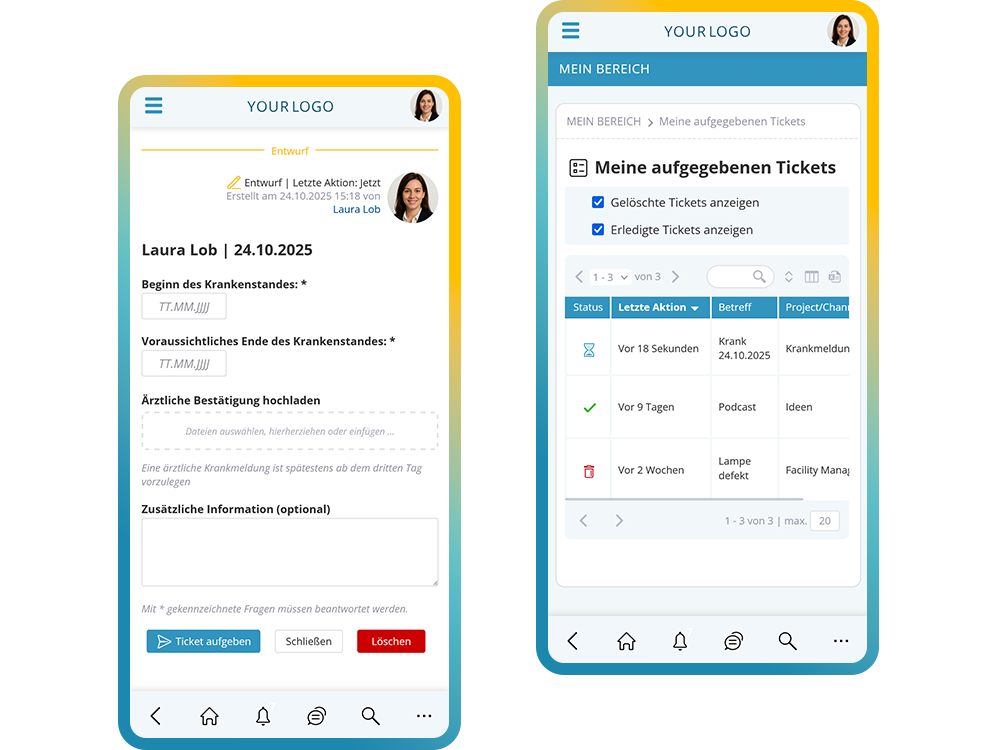
- Are there self-services such as sick notes, payslips or orders?
- Do the app and browser use the same content, permissions and accounts?
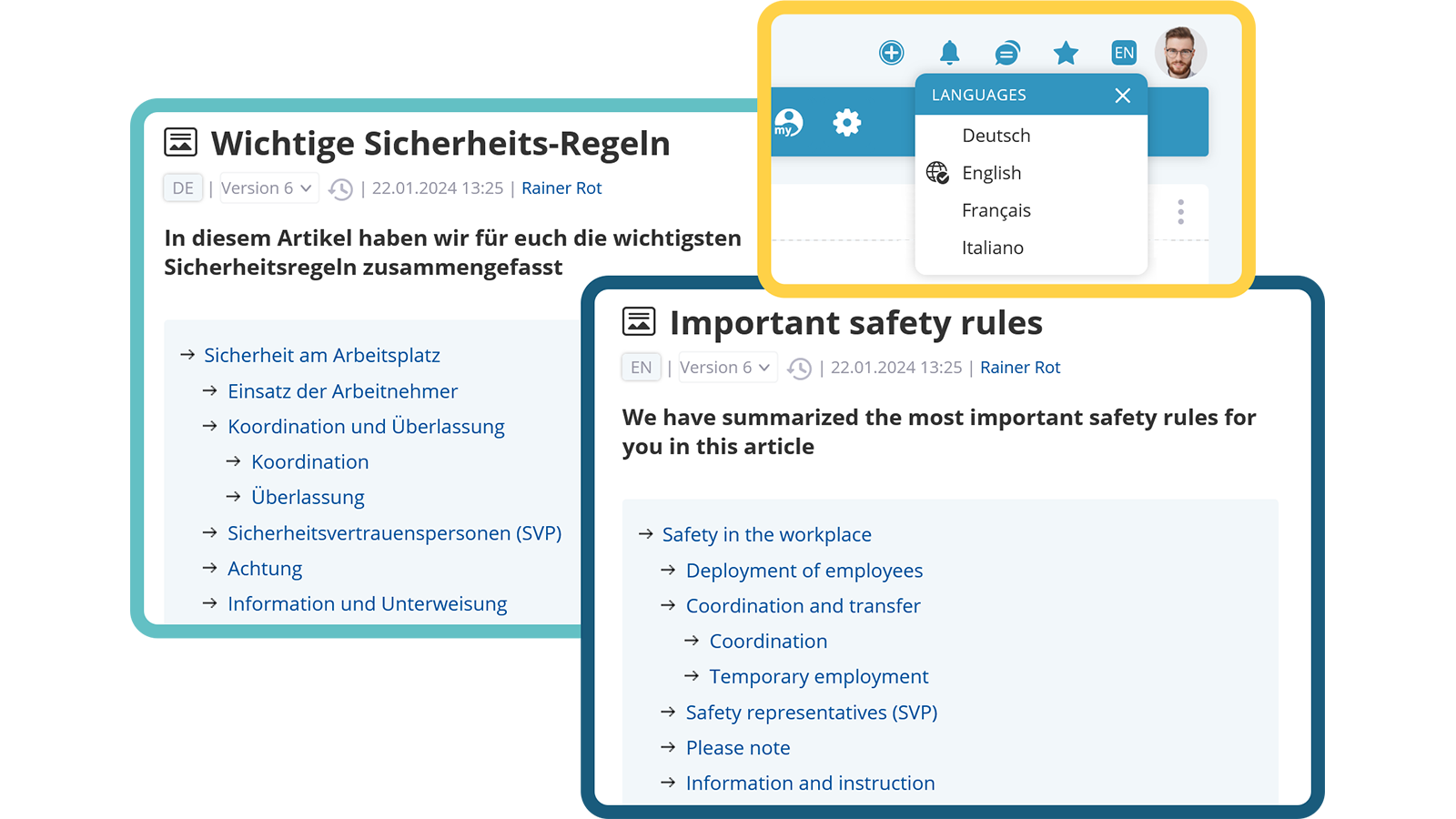
- Can content be offered in multiple languages?
- Is hosting in the EU, with a data processing agreement?
- Is a standard app included, with white label as an option?
Frequently asked questions about the employee app
Can an employee app reach employees without a company e‑mail address or company phone?
Yes. The KenCube employee app is designed especially for employees who have no company e‑mail address, no PC workstation and no company phone, for example in manufacturing, logistics, retail or care. Login works with a KenCube login, via single sign-on or both, and can differ by access channel if you wish. The app runs on iOS and Android, including on personal devices, and can also be installed straight from the browser without an app store. Each person decides which push notifications they receive. If a device is lost, the administration signs the account out on all devices.
Can documents be opened in an employee app without an Office license?
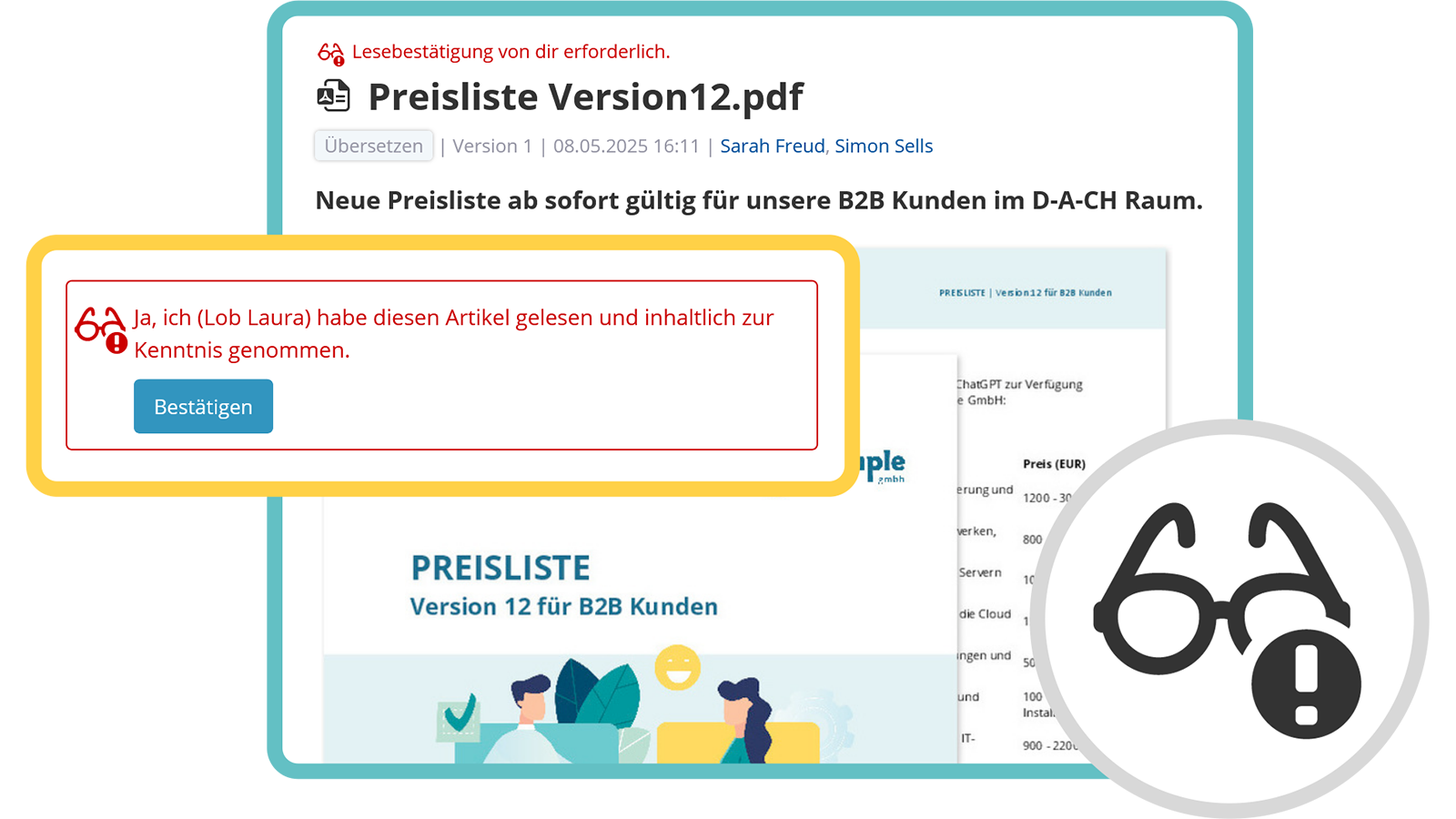
Yes. In the KenCube employee app, Word, Excel, PowerPoint and PDF files open directly on the smartphone, without a download, without installed Office and without an Office license. Full-text search covers not only titles but also the content of the files, scanned PDFs included. This way, employees in manufacturing, the warehouse or the field find work instructions, manuals and policies even if they do not know the file name. Updated documents can be given a read receipt.
Can you ask questions in an employee app and get answers from company knowledge?
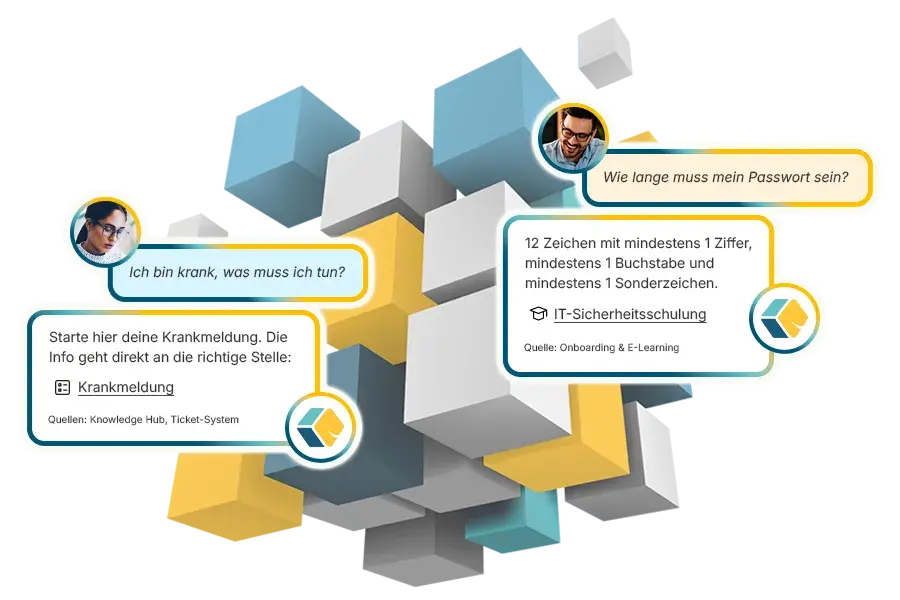
Yes, with the optional AI Companion. In the AI Chat of the employee app, employees ask questions in their own words, such as “I'm sick, what do I need to do?”, and receive answers from the content of the employee portal, with sources and links. The AI Companion is permission-aware: it only uses content the person is allowed to see anyway. With KenCube's own AI, content never leaves KenCube's sphere of control. Alternatively, you can connect Mistral, Anthropic, OpenAI or your own AI server.
How does an employee app differ from a messenger app?
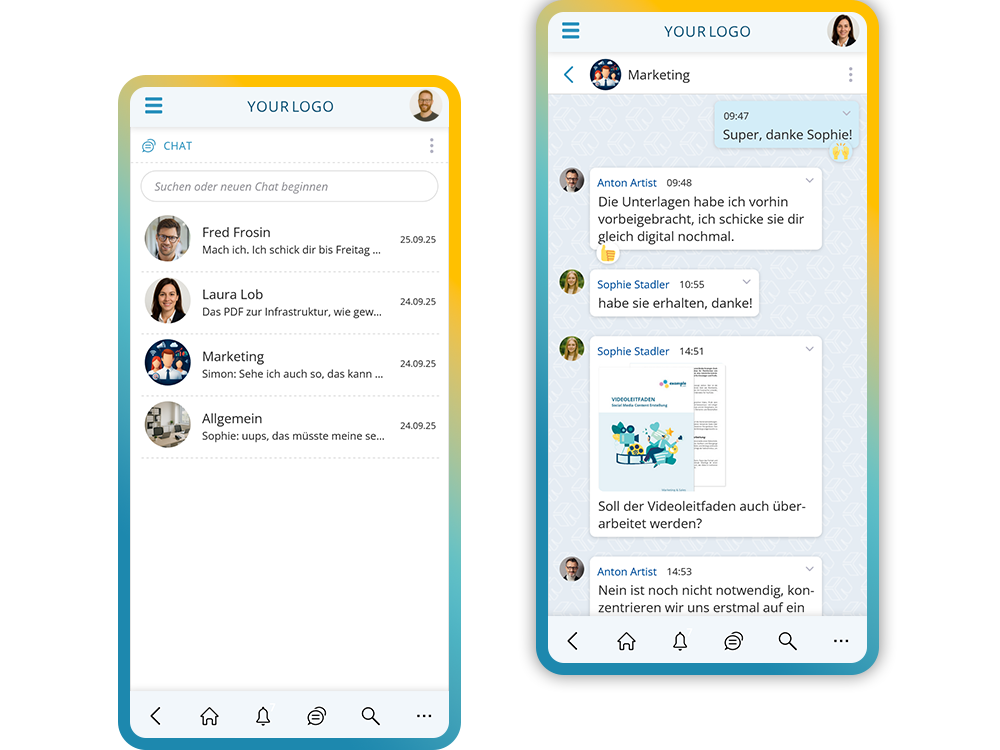
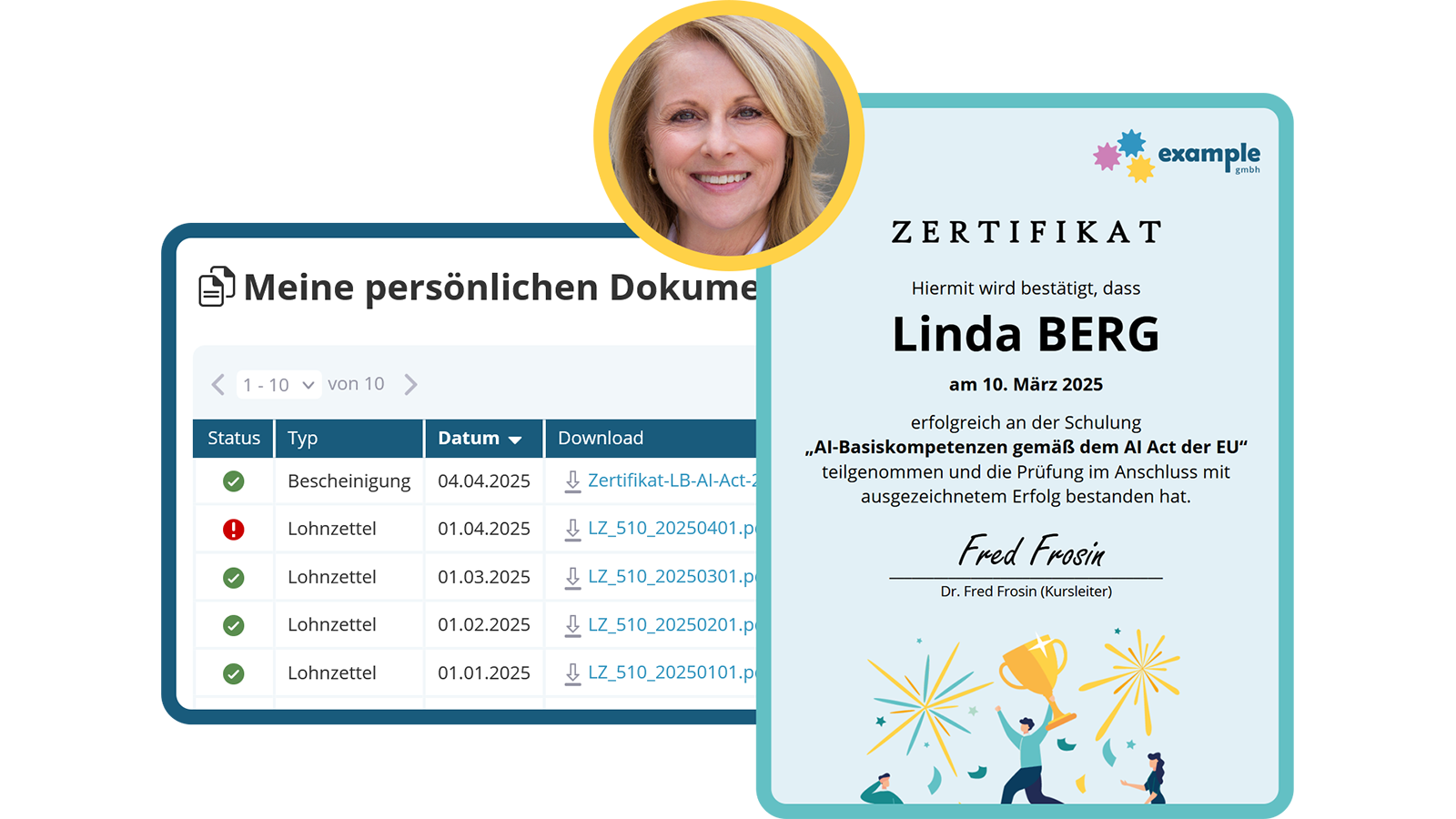
An employee app combines chat with news, knowledge, documents and self-services in one place. A messenger is mainly intended for messages between people. The KenCube employee app adds push messages from corporate communications, plus forms for sick notes or leave requests, the eBox for payslips and read receipts. The organization manages accounts and permissions centrally. When an account is deactivated as someone leaves, access to all content ends.
Is an employee app GDPR-compliant?
An employee app can be operated in compliance with the GDPR if it runs in data centers in the EU, a data processing agreement under Art. 28 GDPR is in place and the technical and organizational measures are documented. KenCube operates the employee app in ISO 27001 certified data centers in the EU. Permissions apply equally in the app and the browser. This makes the data protection impact assessment and coordination with the works council easier.
How does the rollout of an employee app work?
The rollout works without a major IT project. With the basic setup including training, KenCube sets up the platform together with your organization and shares tips for rolling out the app. How long it takes depends mainly on data migration and interfaces. Employees install the app from the app stores, via QR code or straight from the browser without an app store. If you like, you can start with the free trial version first.
What is the difference between a standard app and a white-label app?
The standard app appears as the KenCube app in the app stores and is included in the license. The white-label app has its own app name and the company logo as the app icon and is set up for an additional fee. Both access the same platform. The white-label app already knows the address of your own employee portal, so nobody has to enter a link after installation. This makes the rollout much easier, especially for employees without their own PC or laptop. The app also appears as its own brand within the company.